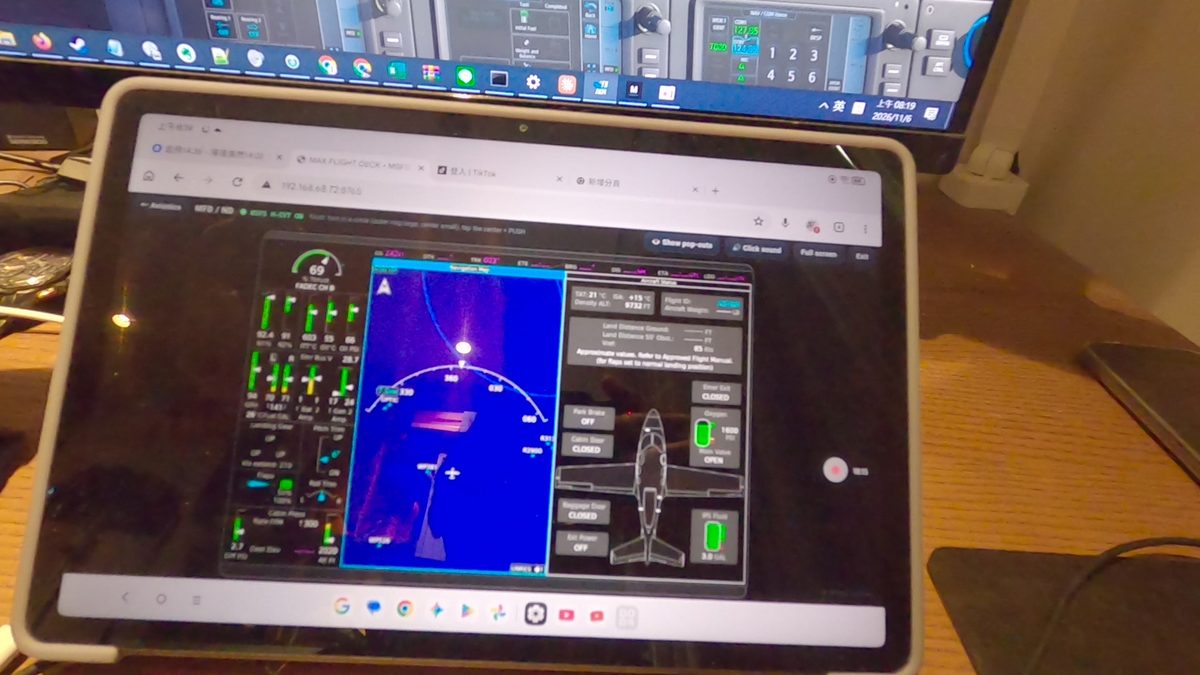
[How-to]Touch on the tablet: tap, hold, drag, pinch to zoom
Working the streamed screen is just like using the mouse in the sim, only it feels more like a real touch screen.
- Tap = press a key; hold = long press, which repeats (for example, to keep changing the altitude).
- One-finger drag: pans the map or scrolls a list; flick a list and it keeps scrolling.
- Pinch: zooms the map. On maps that ignore the scroll wheel, such as the G3X Touch, + / − is pressed for you automatically.
- If your finger lands next to a small button, the nearest button is picked, so you don't need to be precise.
- Tap twice = double-click.