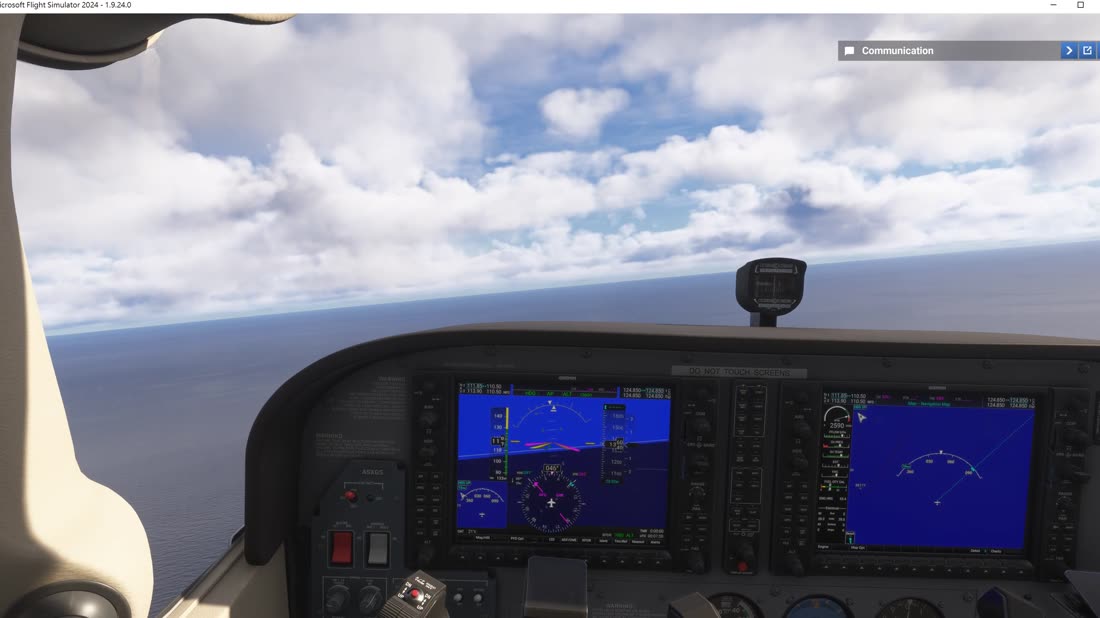
For sim pilots who fly it like it's real

Turn any tablet into an interactive MSFS 2024 cockpit

Your cockpit's real screens on your iPad, knobs where they really are — and a scorecard and ATC log after every flight.

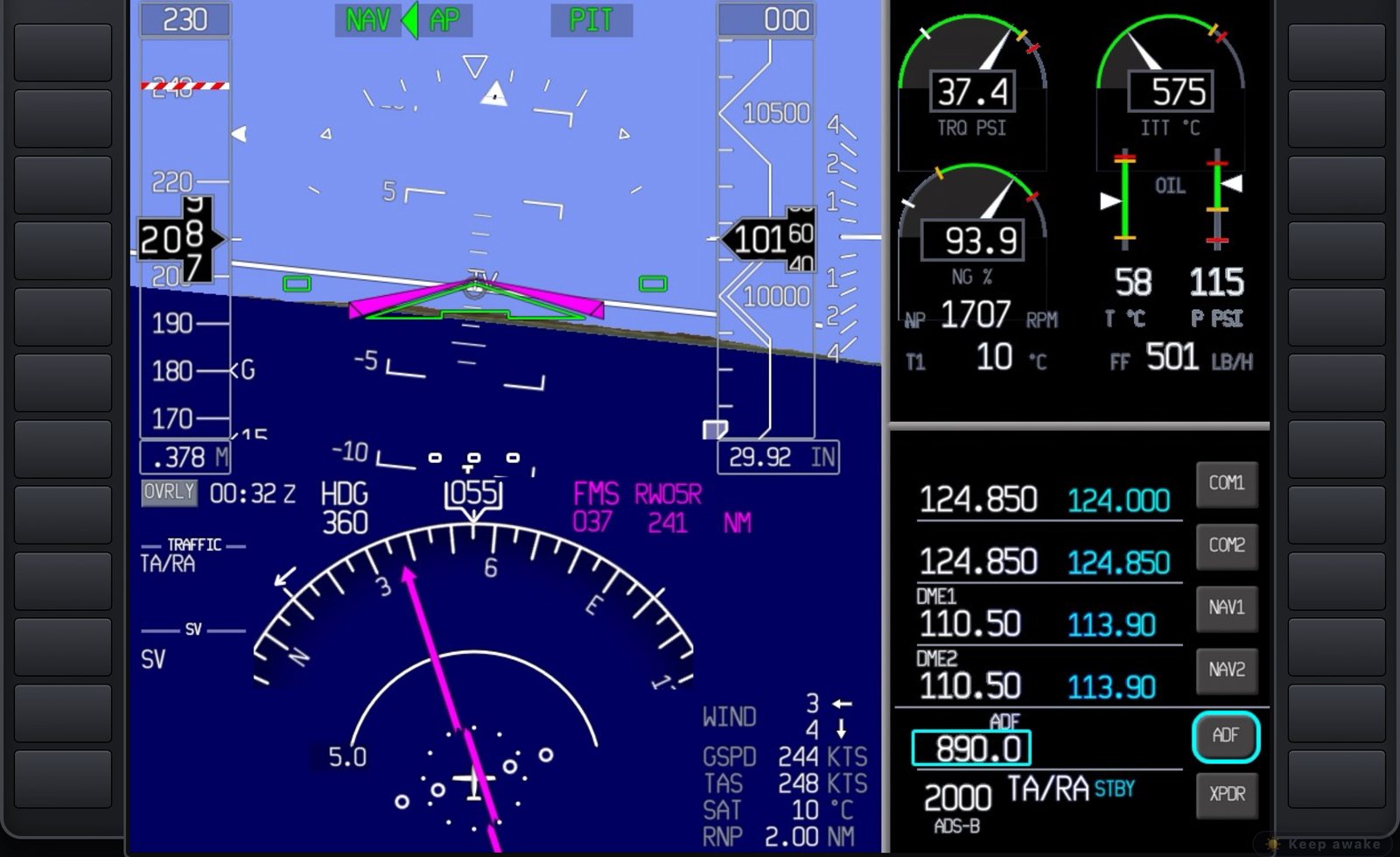
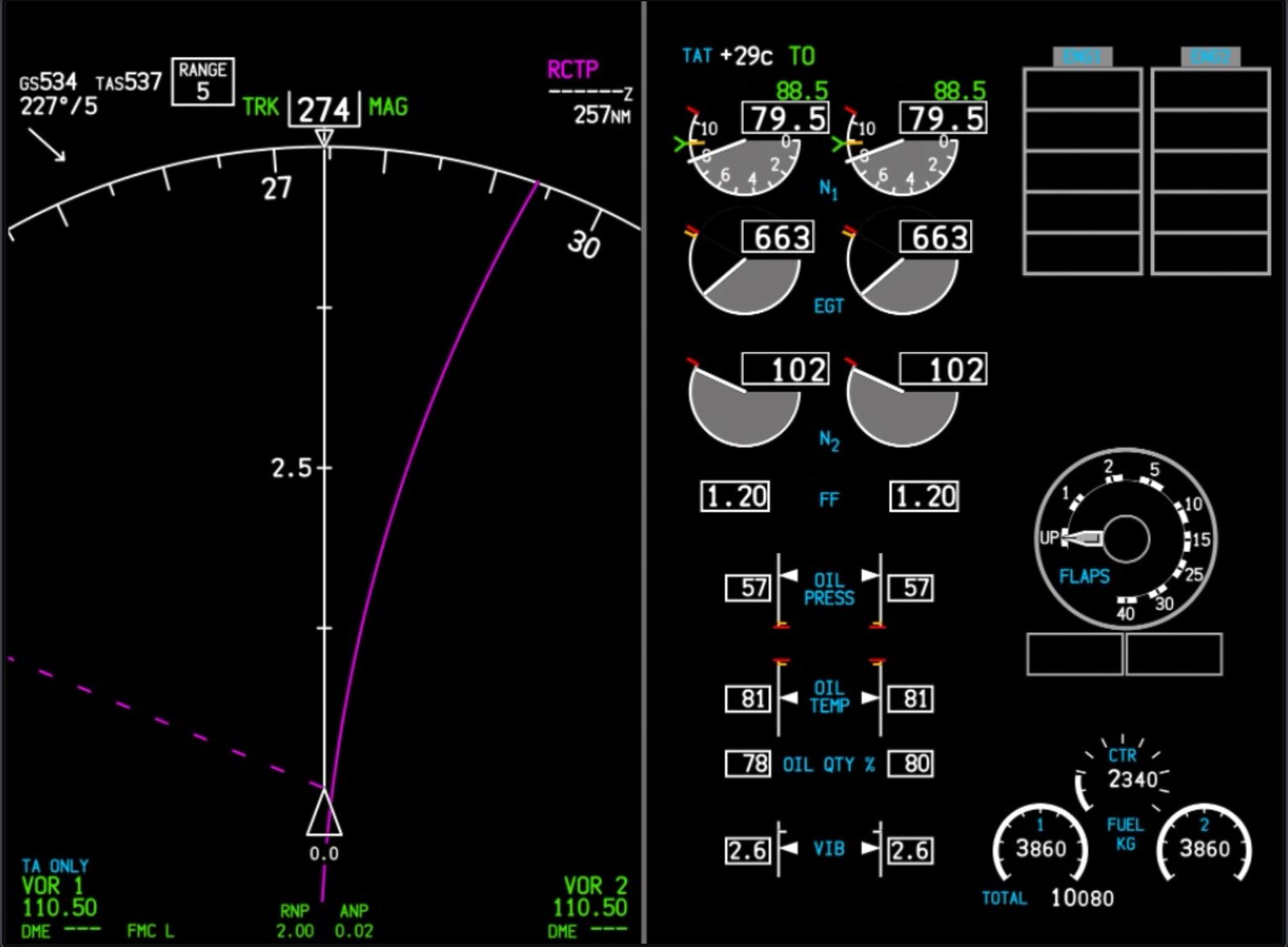
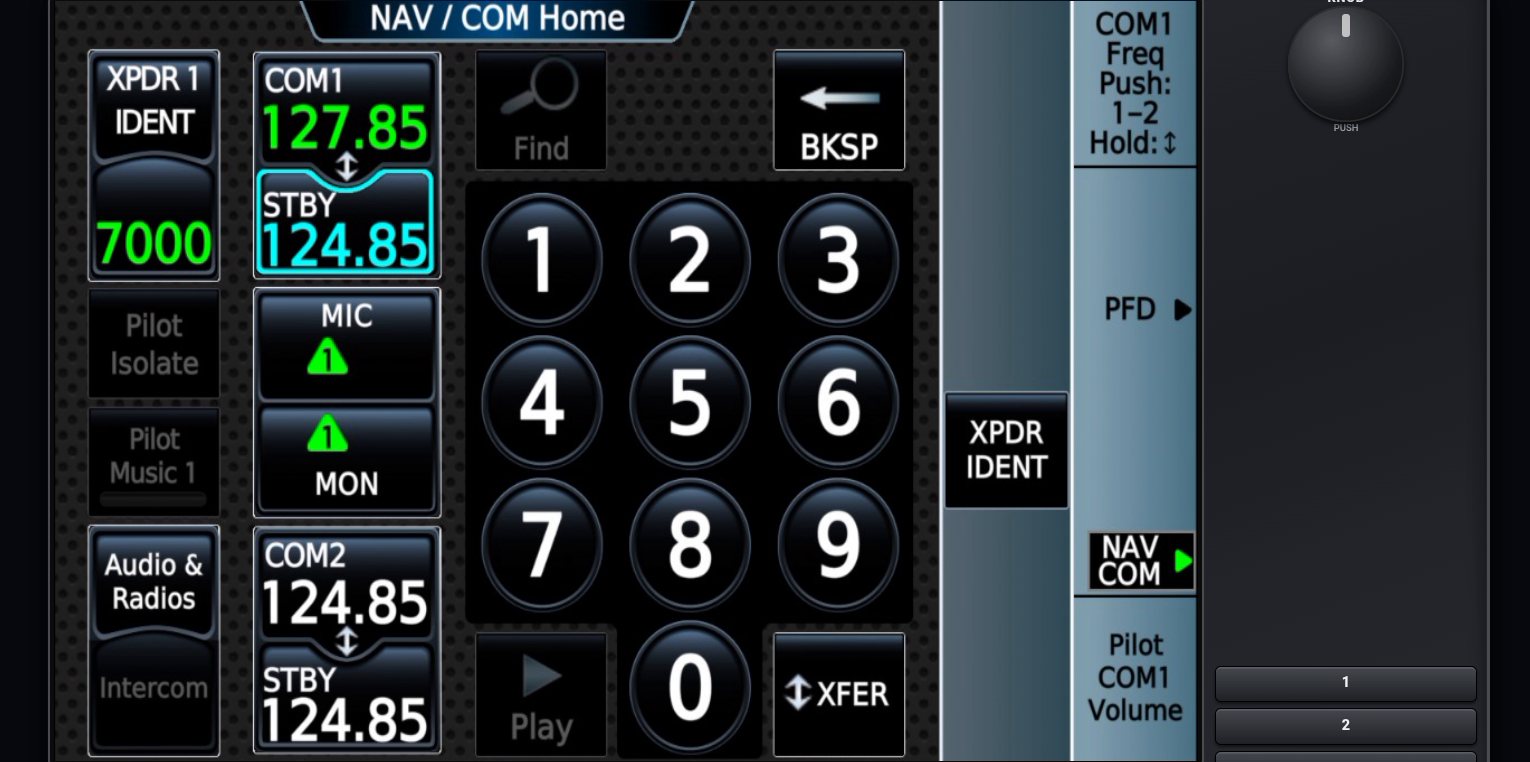
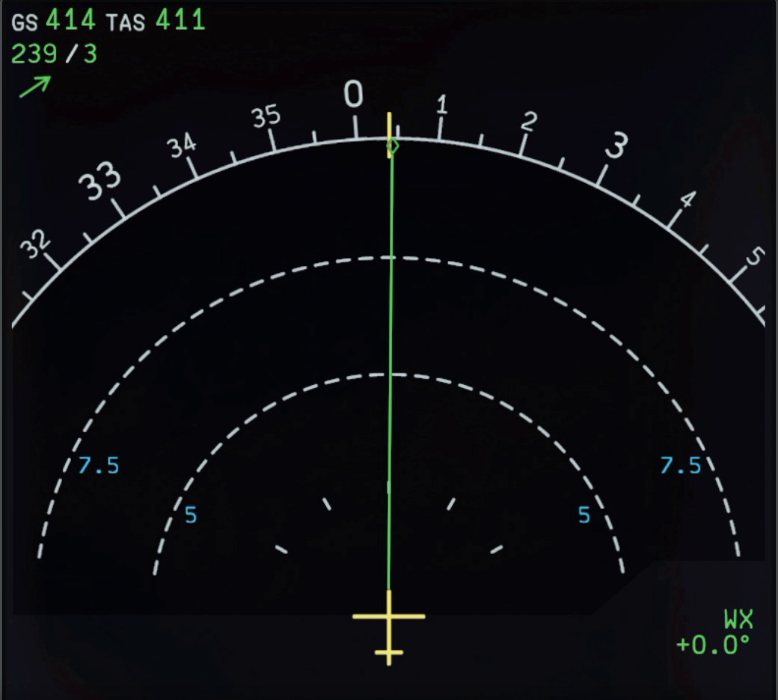
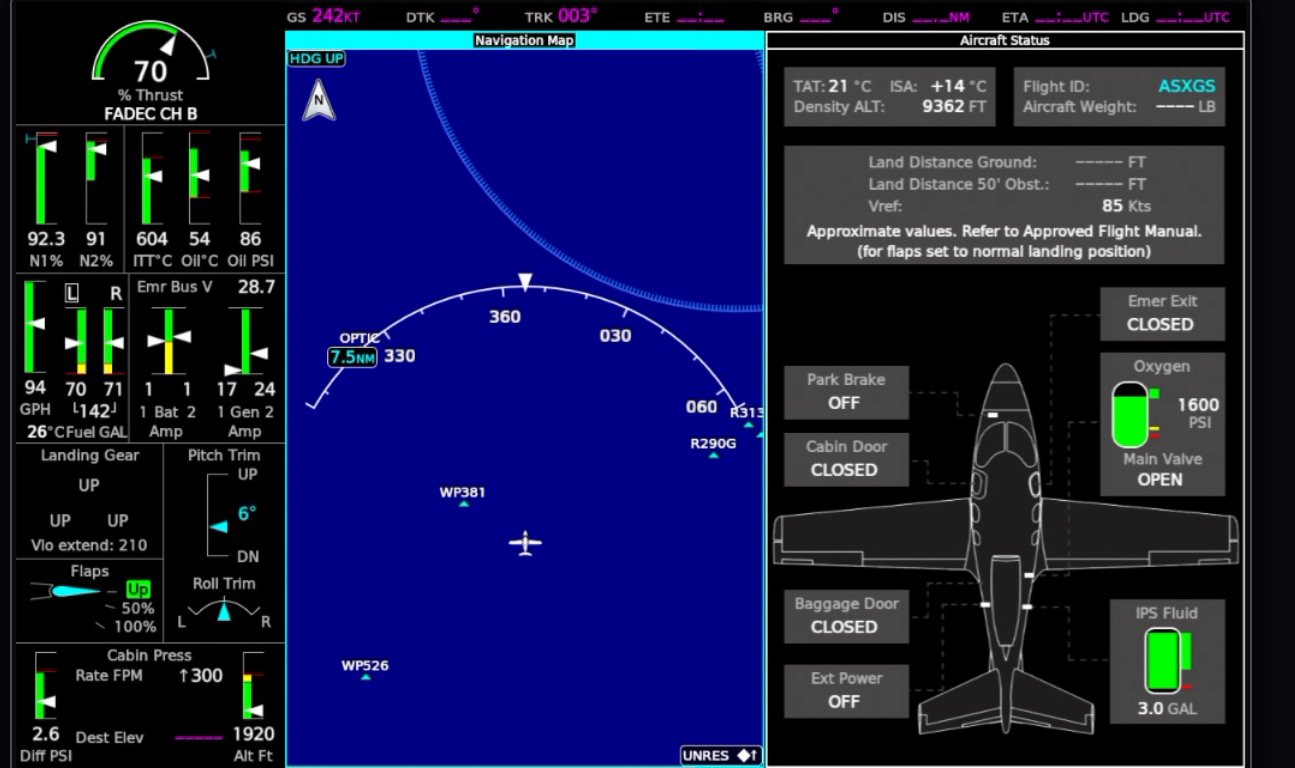
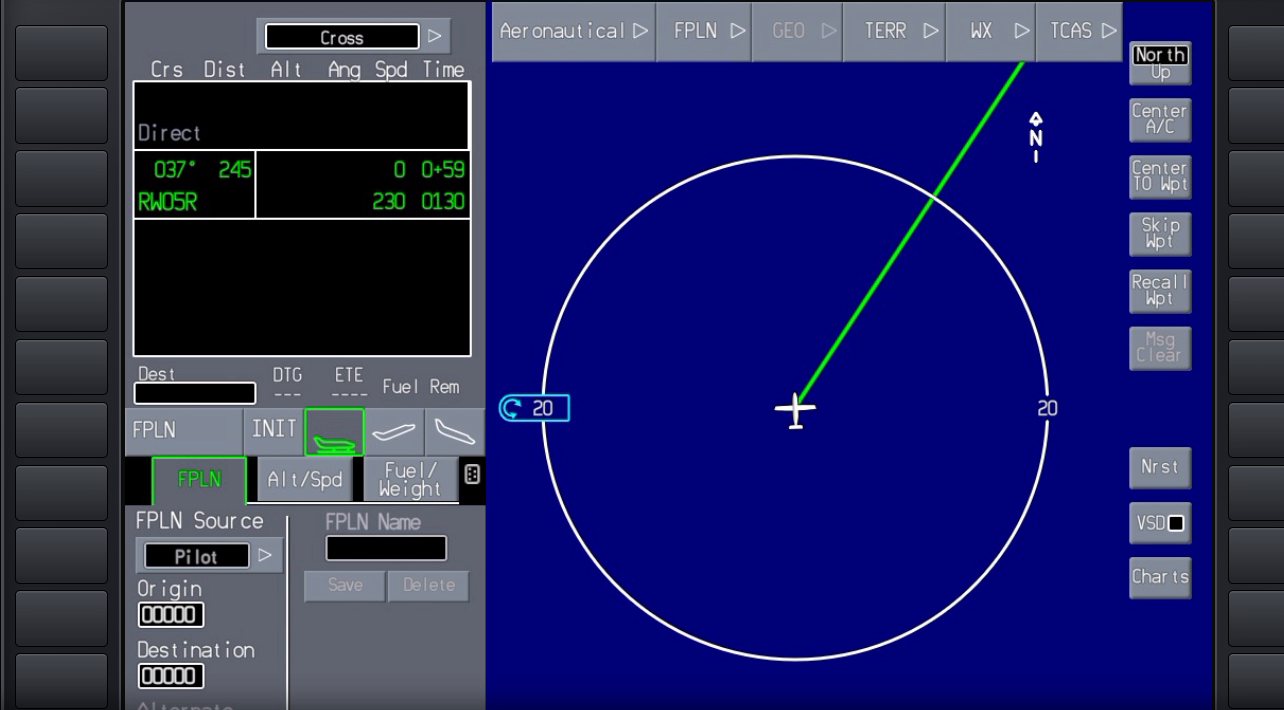
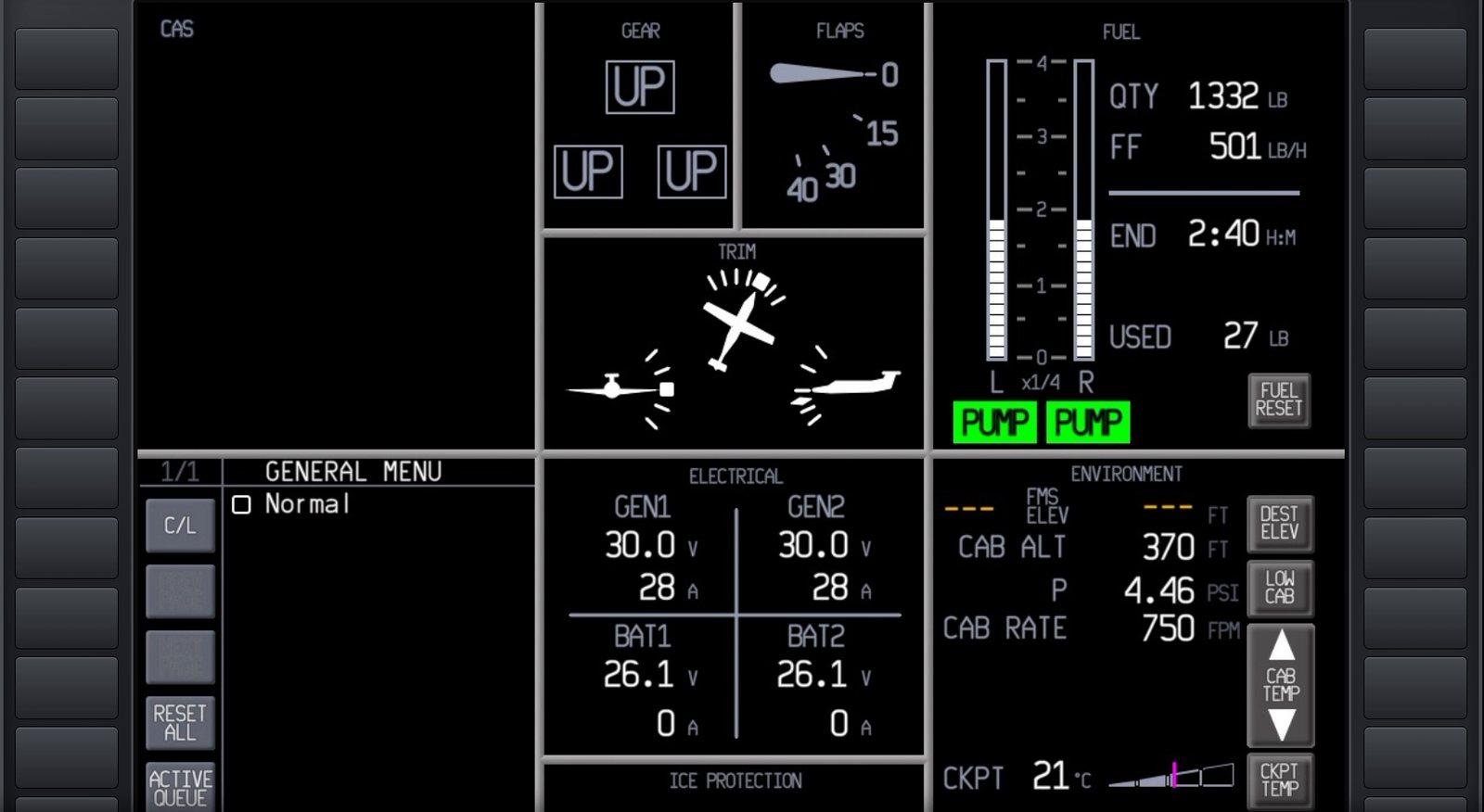
Max Flight Deck streams the actual glass cockpit of the aircraft you are flying — PFD, MFD, EFB, CDU, GTC — to an iPad, Android tablet or any browser on your Wi-Fi. Tap, turn the knobs and flip switches by touch. Nothing to set up per aircraft.

Windows 10/11 · MSFS 2024 · no app to install on the tablet

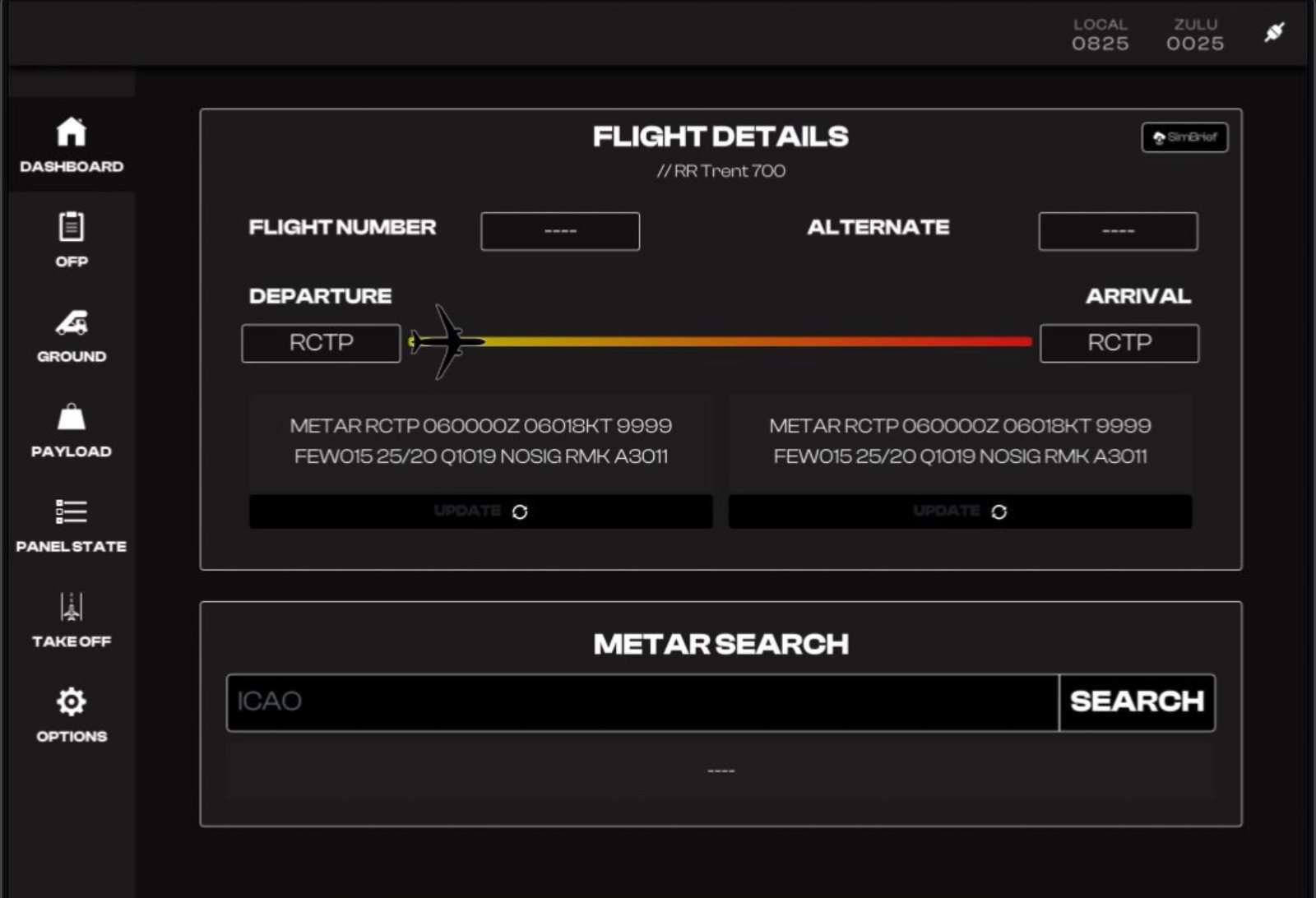
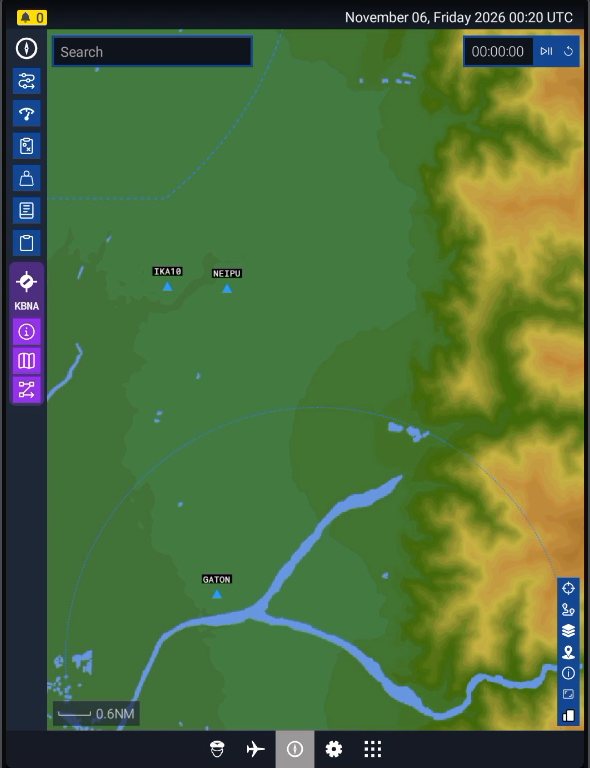
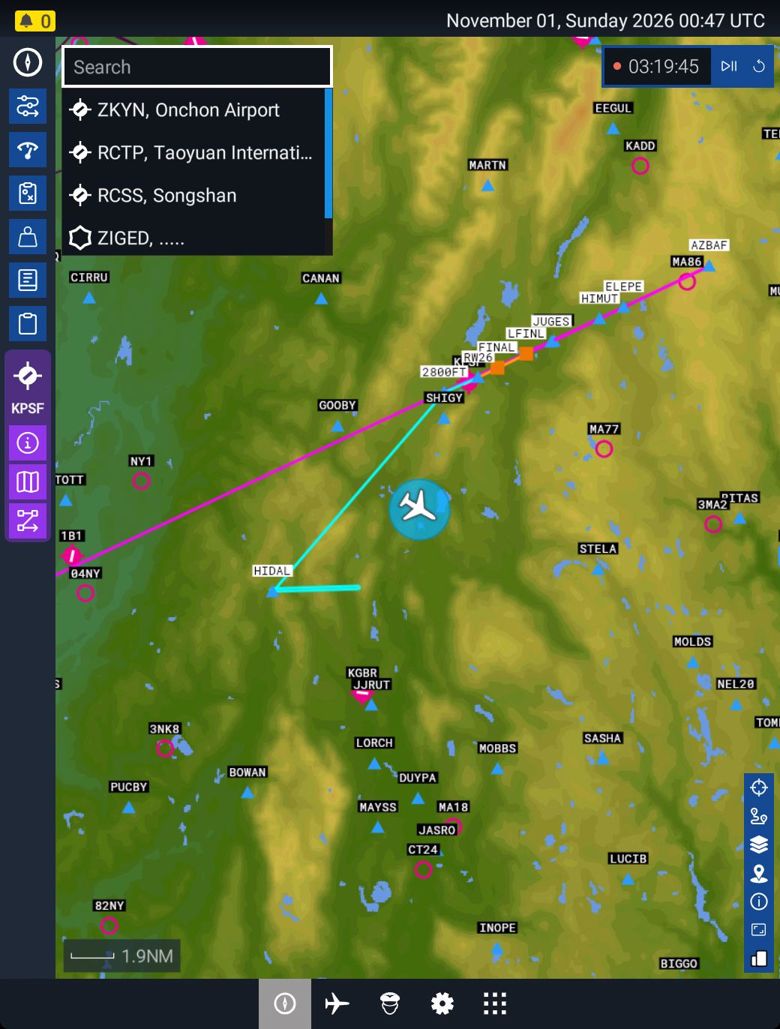
The MSFS 2024 EFB map of a PC-12, streamed live to a tablet
Live MSFS 2024 EFB, streamed from the PC

See it in action

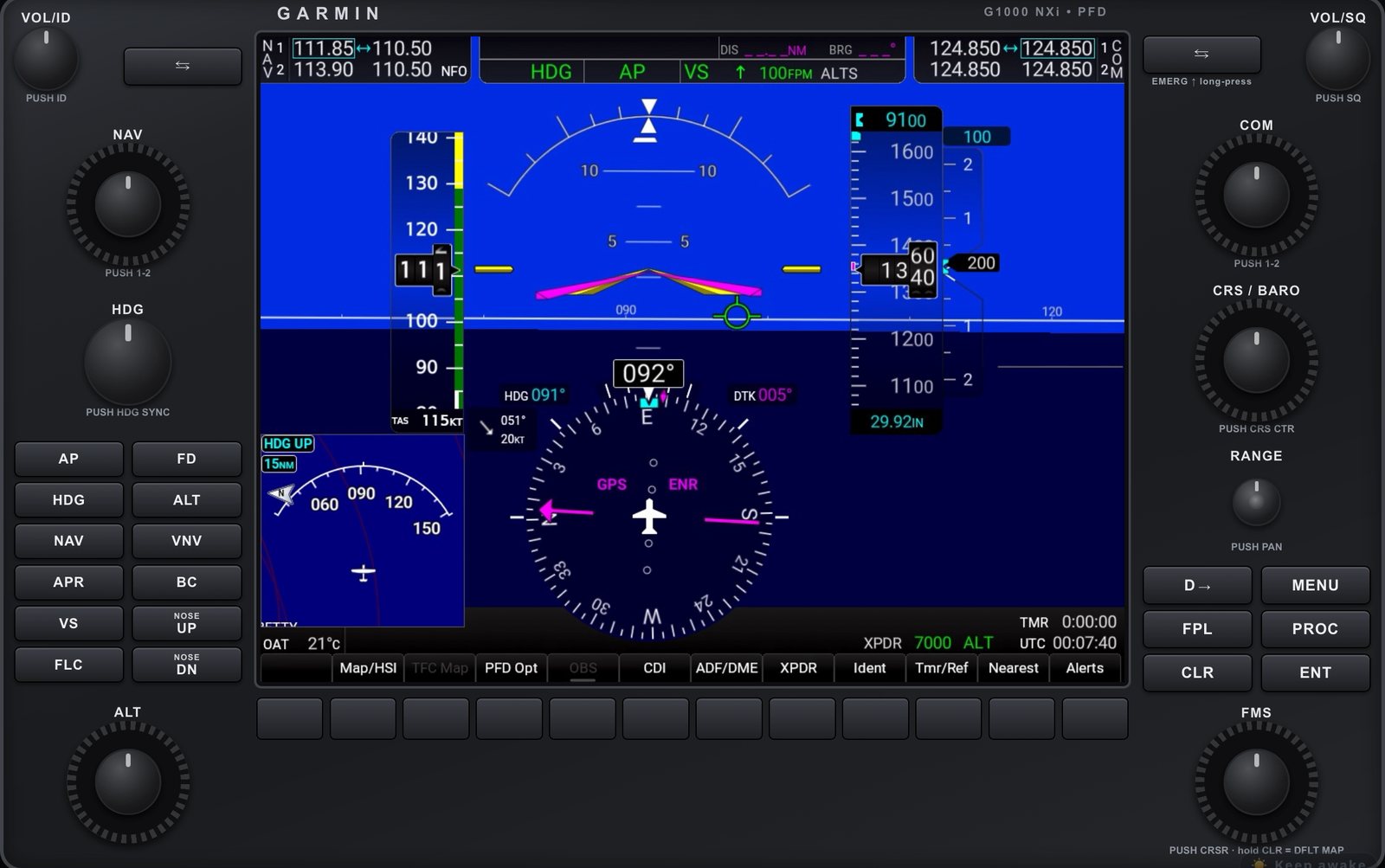
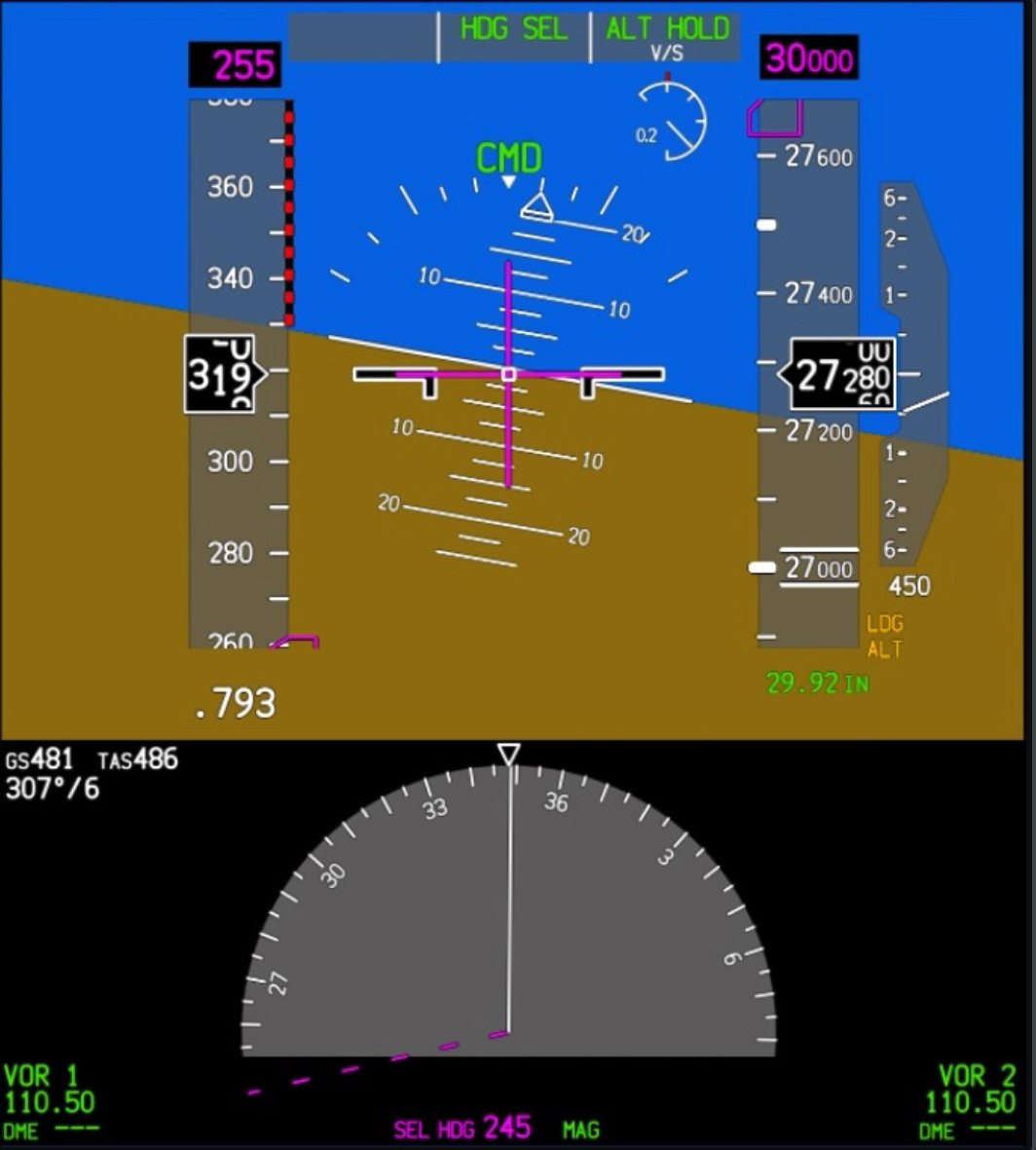
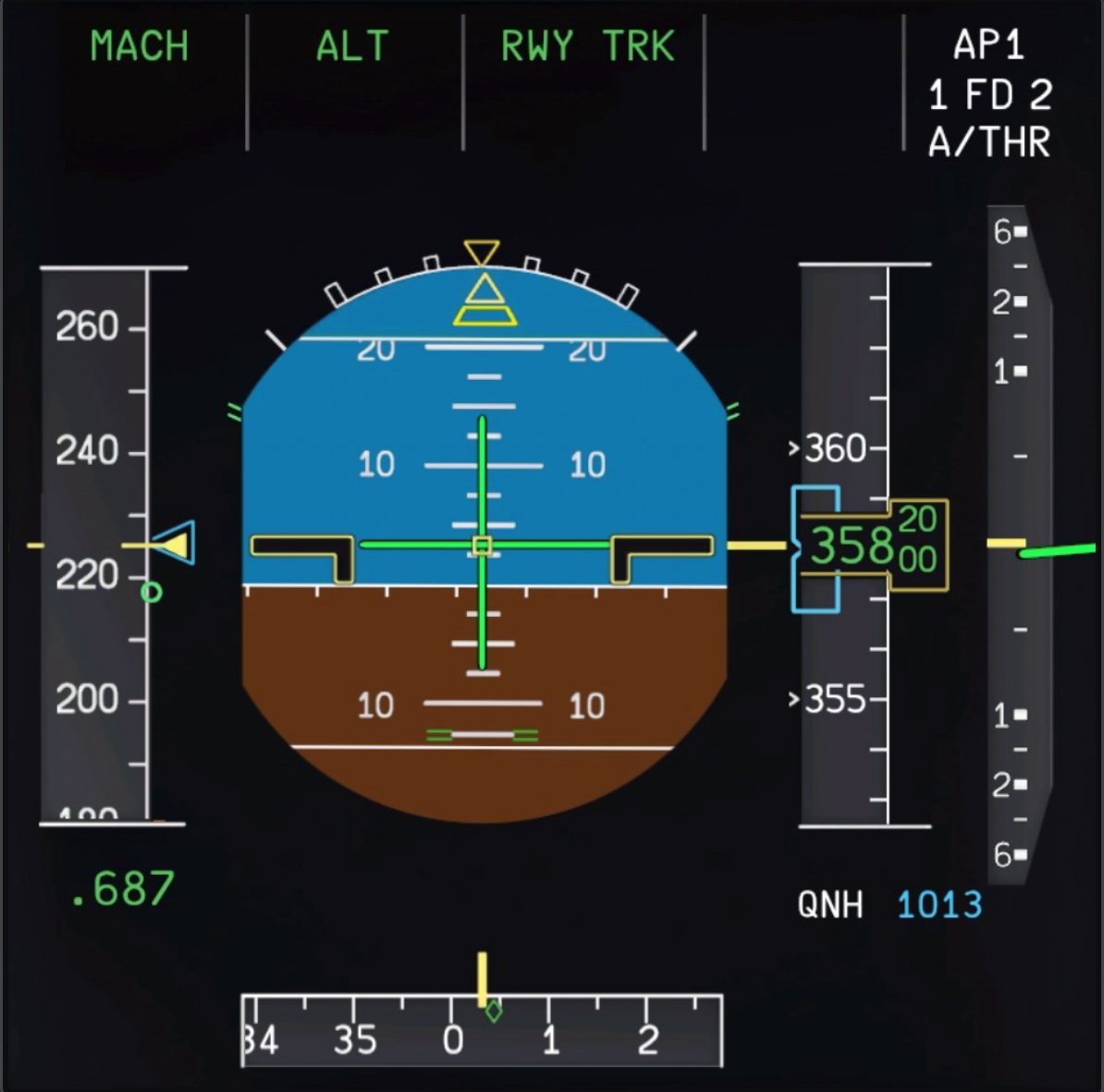
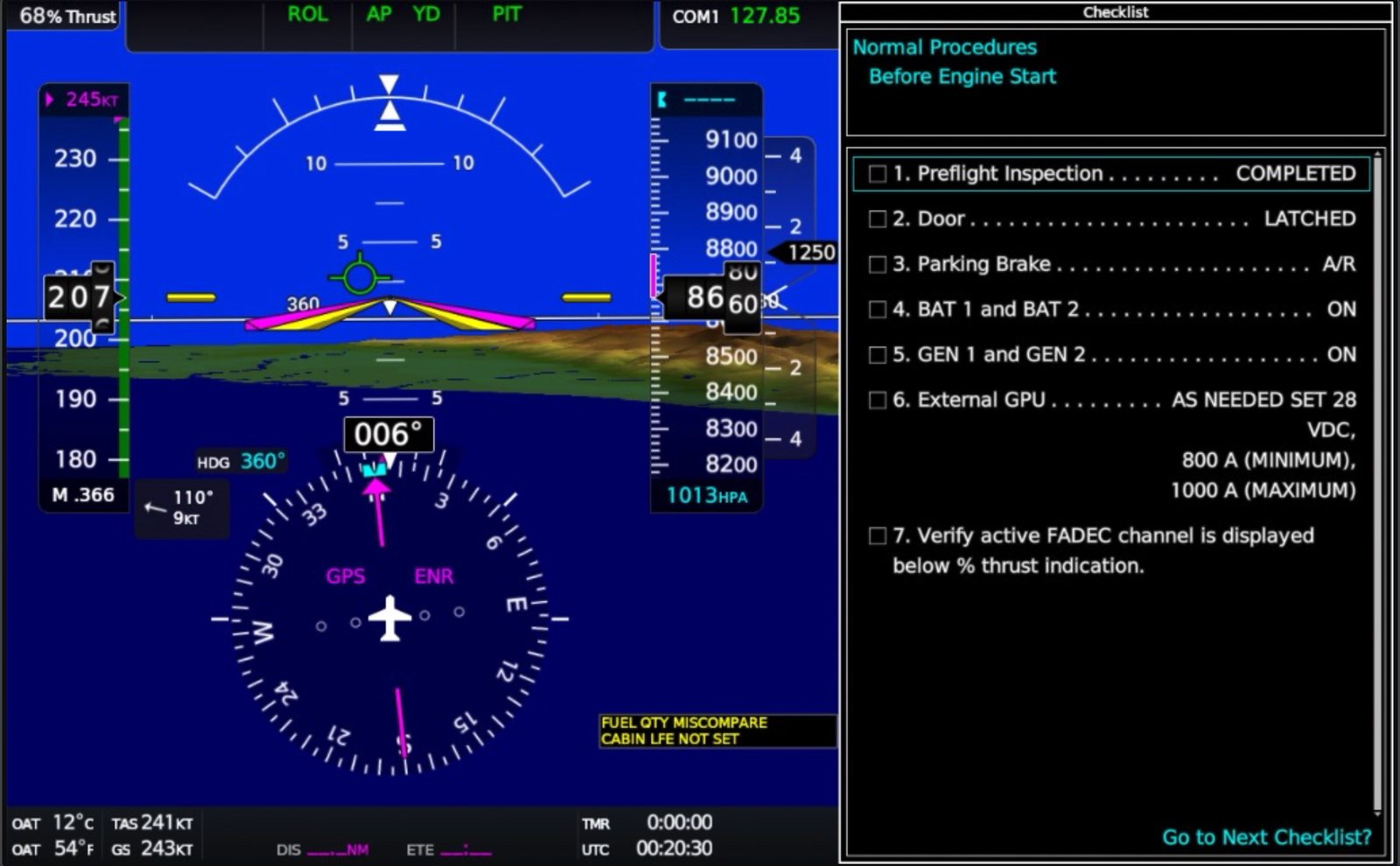
One minute on a real desk: G1000, 737 MAX, Vision Jet, A330 and PC-12 NGX — iPad and Android tablet side by side.

Three steps

  1. Run it next to the sim. Start Max Flight Deck on the PC that runs MSFS 2024. It installs itself and adds a desktop shortcut.
  2. Open it on the tablet. Scan the QR code shown on the PC, or type the address into Safari or Chrome. Add it to the Home Screen and it opens like an app.
  3. Pop out all. One tap finds every screen in the cockpit, pops it out and starts streaming — the pop-out windows hide themselves so your monitor shows only the sim.

Built for flying, not for fiddling

One-tap pop-out

Finds each cockpit screen by itself — turning the camera if a screen is out of view — and pops it out with no Right Alt clicking. Tested across 18 popular aircraft.

Real knobs by touch

Circle your finger to turn: outer ring for the big knob, centre for the small one, tap the centre to push. Fast spins move fast; slow turns move one click.

Every aircraft's switches

Lights, electrical, fuel, engines, anti-ice, gear and flaps, autopilot — generated automatically from each aircraft's own controls, with confirmations on anything that could change the flight.

EFB with gestures

Pan and pinch-zoom the EFB map, type airport codes with the tablet keyboard, scroll lists — the touch feels native.

Stays out of your way

Pop-outs hide behind the sim, the tablet screen stays awake for long flights, and updates install themselves while you are not flying.

Any browser, any device

iPad, Android tablet, phone, or a second PC's browser. No app store, just a free Max account — and it only talks to your own PC on your own Wi-Fi.

Split screen

Two instruments on one tablet — PFD beside the MFD, or the MFD beside the GTC — side by side or stacked, full screen. Pro; the free version can try it for 5 minutes a day.

Never stuck searching

If a screen cannot be found, one tap stops the search. Tip: look toward that display in the sim first and it is found much faster.

English or 中文

The whole program — PC, tablet and help — in English or Traditional Chinese. Change it anytime in Settings → Language.

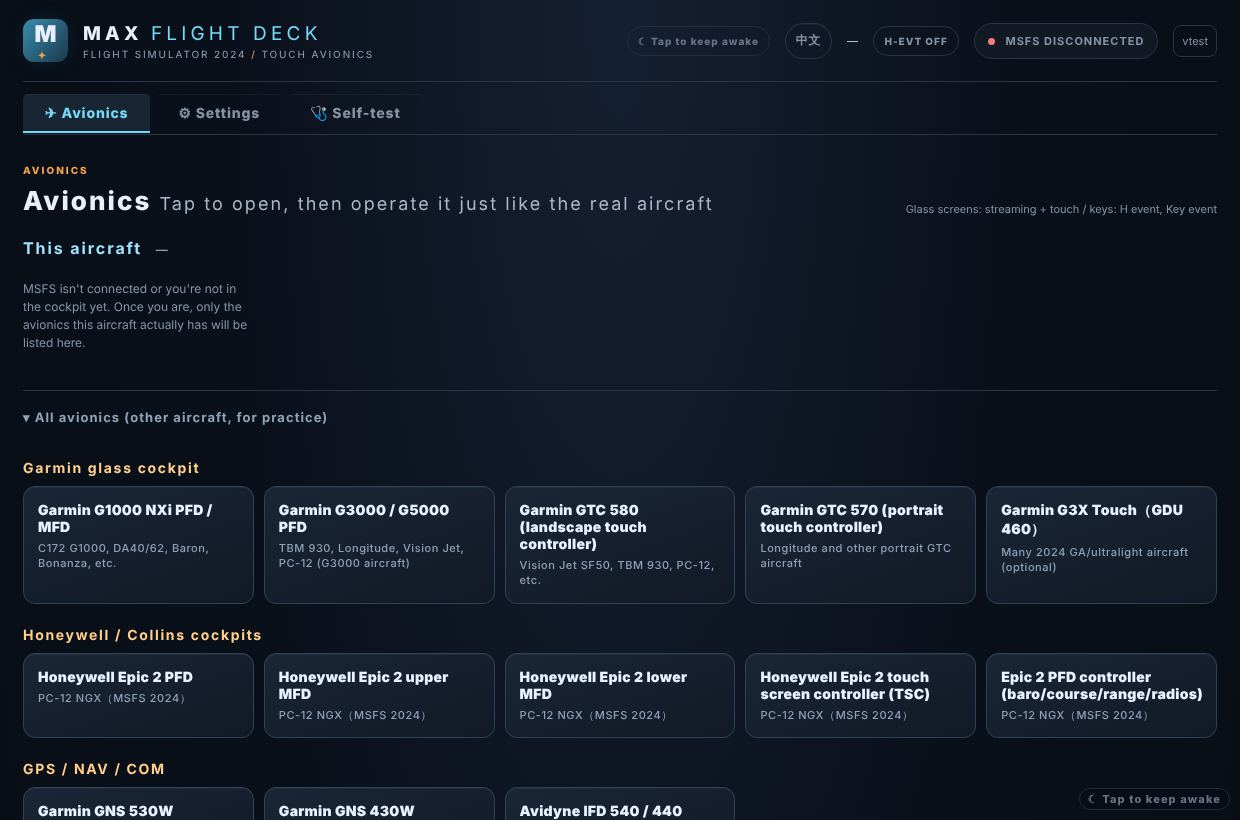
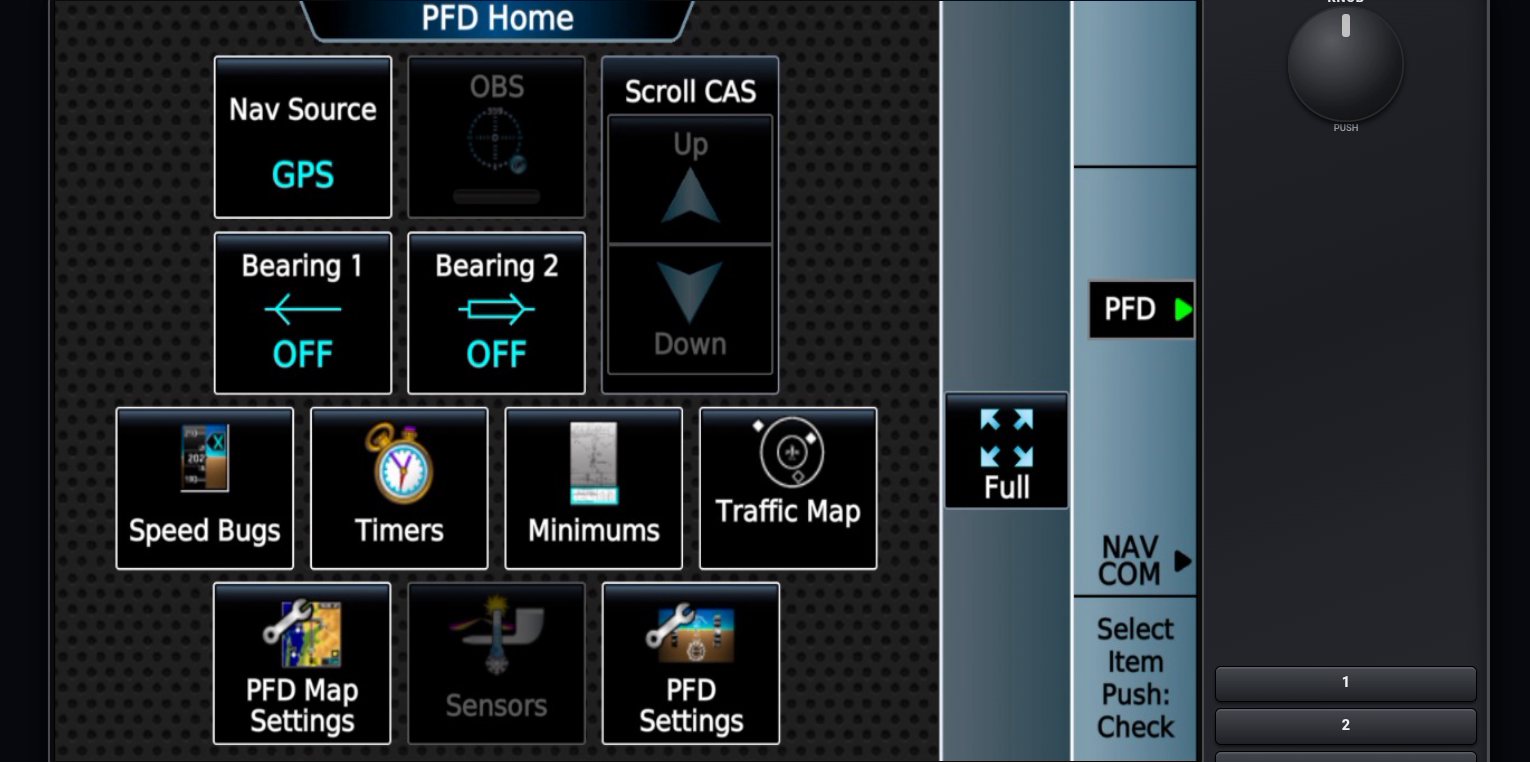
The Max Flight Deck avionics list on a tablet
The tablet's avionics list: pick a screen, or pop them all out at once

One program, every tablet cockpit setup

Whatever you call it — a flight simulator tablet cockpit, iPad avionics or a remote PFD/MFD — it is the same Max Flight Deck:

MSFS 2024 iPad avionics

The real PFD, MFD and EFB on an iPad.

Remote PFD and MFD

On any tablet, phone or browser — no extra monitor.

G1000 on a touch screen tablet

Softkeys and knobs by touch, plus the GTC 580.

Boeing 737 MAX on iPad

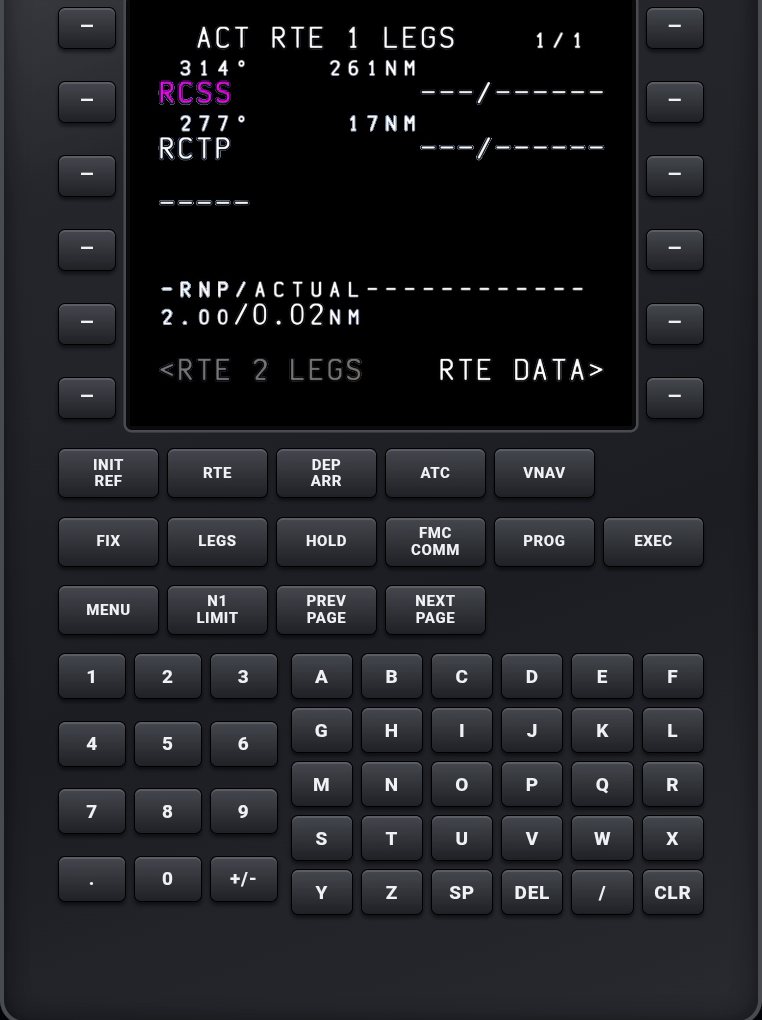
PFD, ND, engines, CDU and the MCP knobs.

Is this for you?

Max Flight Deck is built for people who fly the simulator seriously. If one of these is you, every part of it was made with you in mind.

Future real-world pilot

You're using the sim to prepare for a real licence

PPL, instrument rating, or the checkride you keep putting off.

  • Your hand learns where the G1000 knobs are, not where the mouse is
  • Every landing measured against real light-aircraft data
  • Your radio calls written out, so you can hear your own readbacks
Online with ATC

You fly on VATSIM, IVAO or with AI ATC

Real controllers, real phraseology, real pressure on final.

  • The CDU, MCP and FCU on a tablet, so your eyes stay on the sim
  • An ATC log of the whole flight, made on your own PC
  • A scorecard that knows an airliner's final is not "steep"
Career mode, seriously

You fly MSFS 2024 career mode like a job

Checklists, a different aircraft every day, no time to set up panels.

  • One tap finds every screen of whatever you're flying today
  • 18 aircraft tested release by release, add-ons on the way
  • Debrief any flight with ChatGPT, Claude or Gemini from one ZIP

Just want your PFD on an iPad? That works too — and you get the scorecard and the ATC log on top.

After you land: every flight, reviewed

Max Flight Deck records each flight by itself and tells you how the landing really went — with the numbers behind every remark.

Records every flight

Starts by itself when you start the engine: route, altitude, speeds, every take-off and touchdown, radio frequencies and time acceleration — plus your microphone and the computer's sound.

Landing scorecard

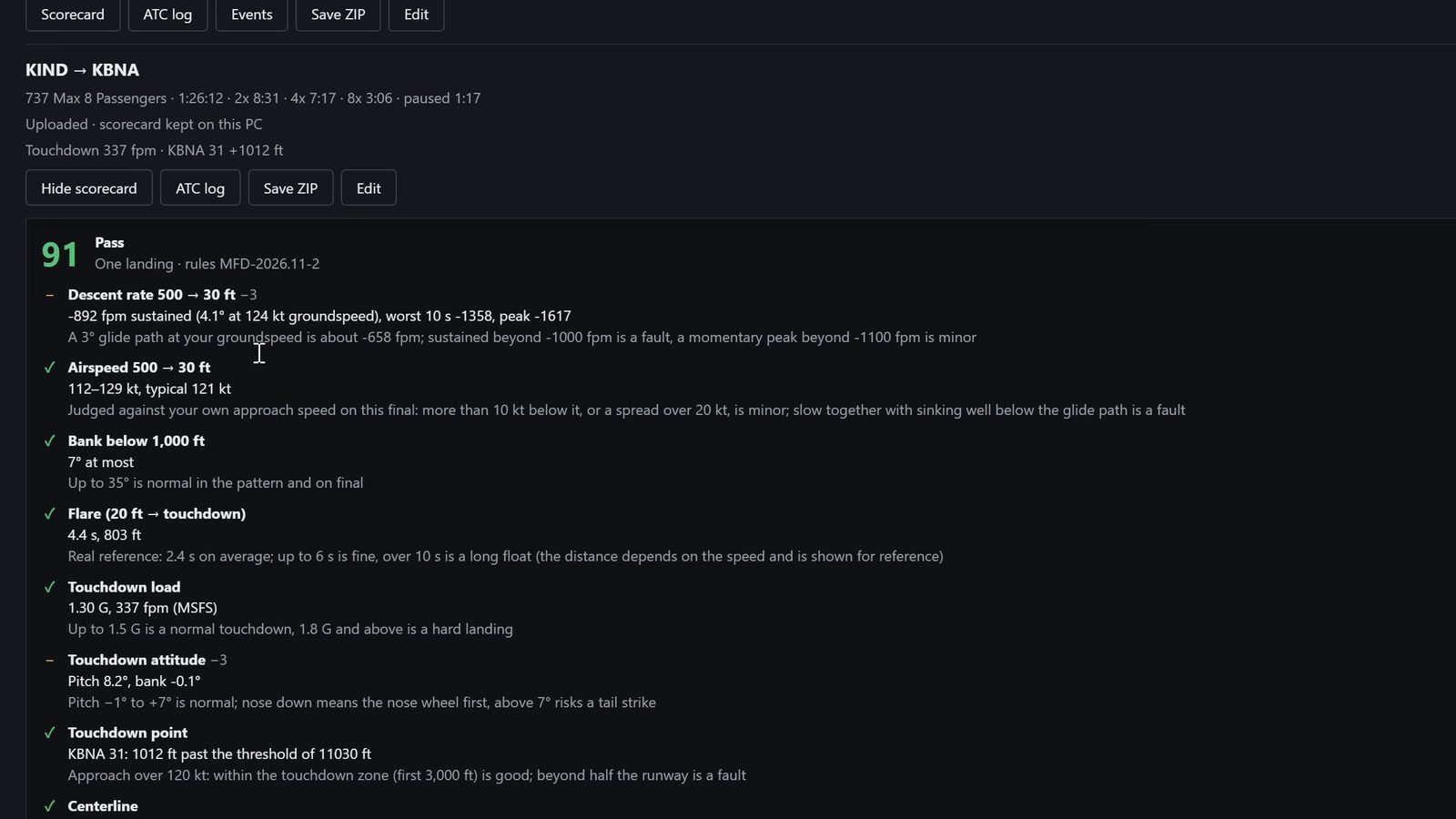
Descent from 1,000 and 500 ft, airspeed, bank, flare, touchdown load and attitude, touchdown point and centerline, and the take-off checklist (lights, transponder). Each item shows what was measured and the rule.

Rules from real flying

Calibrated on real light-aircraft logs, including a passed FAA checkride. Jets are judged against a 3° glide path at their own groundspeed, so an airliner's final is not called "steep".

ATC log

After the flight your radio calls become a written log, made on your own PC: "You", "Radio", and the aircraft's own callouts. Nothing runs while you fly.

Debrief with any AI Pro

Save a flight as one ZIP — telemetry, scorecard, ATC log and a guide for the reader — and hand it to ChatGPT, Claude or Gemini for a full debrief.

Your audio stays home

Recordings are never uploaded. Speech recognition runs on your PC; the free version keeps the log and removes the voice audio once it is written.

A Max Flight Deck landing scorecard: 91, Pass, with each item measured
A real scorecard: 737 MAX, KIND → KBNA — 91, Pass, with the number behind every remark

Tested aircraft

Every MSFS 2024 aircraft with glass cockpit screens works the same way. These are tested release by release on a real sim:

  • Cessna 172 G1000 NXi
  • Cessna 172 classic (GNS 430/530)
  • Cessna 172 (Avidyne IFD)
  • Diamond DA40 NG
  • Diamond DA62
  • Beechcraft Bonanza G36
  • Beechcraft Baron G58
  • Daher TBM 930
  • Pilatus PC-12 NGX
  • Beechcraft King Air 350
  • Cirrus Vision Jet
  • Cessna Citation CJ4
  • Cessna Citation Longitude
  • Airbus A320neo
  • Airbus A330-300
  • Airbus A310 (iniBuilds)
  • Boeing 737 MAX 8
  • Boeing 747-8

And more to come — including add-on aircraft (third-party, free or payware, from the Marketplace or other stores). Each one joins this list once it passes our tests.

Flying something else? Tell us which aircraft and we will test it.

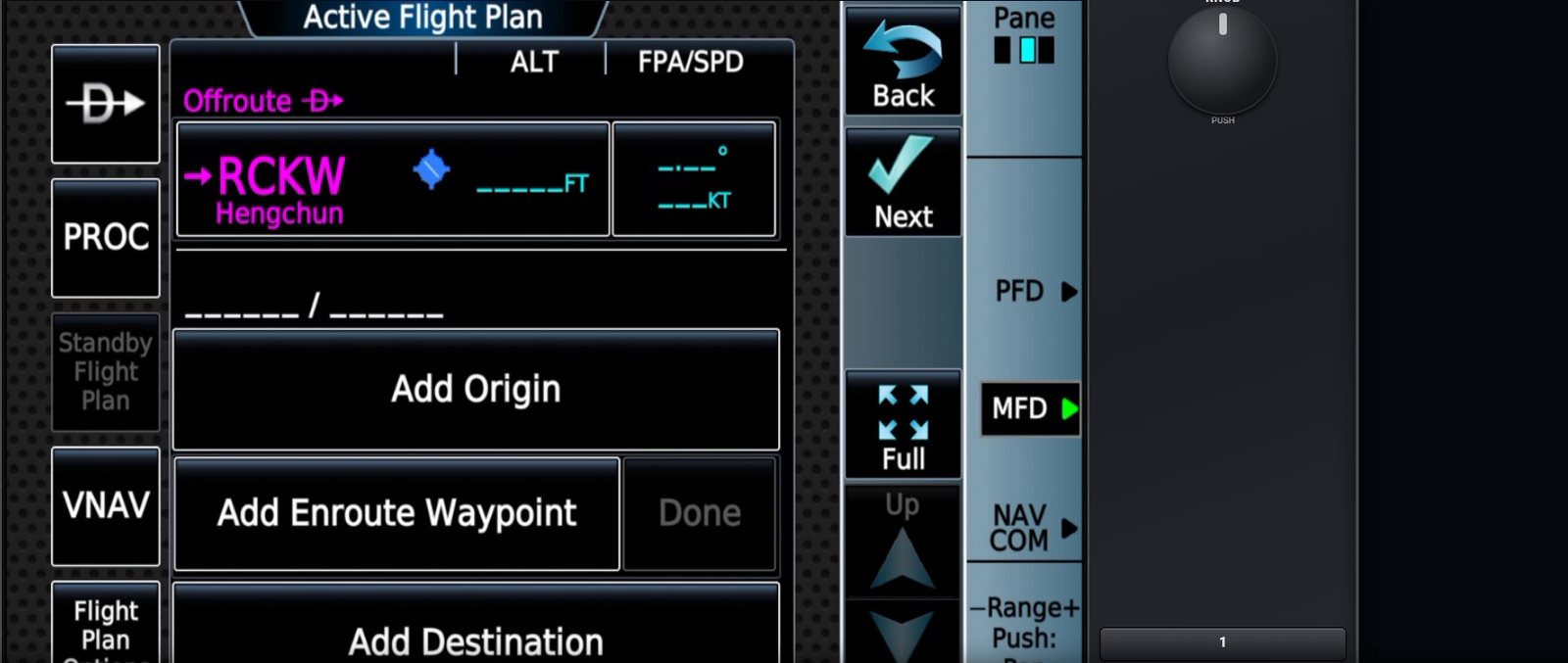
Real screens, captured on the tablets during test flights

Why I built it, in two minutes.

Why I built it

I needed muscle memory, not another panel app

In April 2026 I passed my checkride in a Sling and got my Taiwan ultralight pilot certificate. My goal is an FAA Private Pilot License and an Instrument Rating in the United States in the future.

Real flight hours are expensive, so the simulator became my daily training ground. But in the sim you click buttons with a mouse, and in a real cockpit your hand has to know where the knobs are while your eyes stay outside. I couldn't find a tool that gave me that at a reasonable price, so I built one.

Then I added the two things I needed most: my radio calls written out after every flight, and a record of every landing I could debrief with AI.

And I keep adding small tools, one at a time, so that anyone serious about real flying gets a little more feedback from every simulator flight. More to come.

— Max, Taipei
Pricing

Free

$0

  • Free Max account (sign in with Google)
  • All cockpit features, every aircraft
  • Every flight recorded, with a landing scorecard
  • ATC log to read in the program (one transcription per flight)
  • Split screen: a 5-minute try every day
  • One tablet or browser at a time
  • Automatic updates
  • Help pages and tips shown in the program
Download

Pro

—

One-time purchase. Pay with PayPal — or in Taiwan, in NT$ by card or ATM.

Less than ten minutes in a real airplane.

  • Every flight kept on your PC with its audio — transcribe again anytime, save as ZIP for any AI to debrief
  • Save the ATC log as text or subtitles
  • Unlimited tablets and browsers at the same time — PFD on the iPad, EFB on the phone
  • Split screen: two instruments on one tablet
  • No promotions in the program
  • All 2.x updates included
  • Move it to a new PC anytime: sign out, sign in
Get Pro

Buy from inside the program (Settings → Max account → Upgrade to Pro) and Pro turns on by itself seconds after paying.

Download

One file, no installer wizard. It sets itself up in your user folder and keeps itself up to date.

Download Max Flight Deck for Windows

Windows 10 or 11 (64-bit) · Microsoft Flight Simulator 2024 · tablet and PC on the same network

Windows may show "Windows protected your PC" for new programs: choose More info → Run anyway. Getting started

Questions

I just want my PFD on an iPad. Is this still for me?

Yes. Streaming the real cockpit screens to a tablet is the core of Max Flight Deck, and it works for every MSFS 2024 aircraft. The flight record and the ATC log come with it — use them or ignore them.

Can this replace real training?

No. It is a training aid for a home simulator: it helps your hands learn the avionics and shows you numbers after each flight. Real training happens with an instructor in a real aircraft.

Do I need an app on the tablet?

No. It runs in Safari, Chrome or any modern browser. On iPad, use Share → Add to Home Screen and it opens full screen like an app.

Do I need an account?

Yes, a free Max account. Sign in with Google from the program once (Settings → Max account); the free version starts right away and Pro is optional.

Is this the real avionics or a copy?

The real thing. Max Flight Deck streams the screens MSFS itself draws for the aircraft you are flying, so every page, mode and add-on screen behaves exactly as in the cockpit.

How fast is it?

On a normal home Wi-Fi a screen updates 10 to 20 times a second with a fraction of a second of delay. 5 GHz Wi-Fi or a wired PC helps.

Does it work with MSFS 2020?

It is built and tested for MSFS 2024.

What does the free version limit?

One tablet or browser at a time; split screen as a 5-minute try once a day; the ATC log can be read in the program but not copied or saved, and each flight is transcribed once; on the PC each flight keeps its summary, scorecard and log. It also shows help pages and tips. Every cockpit feature and every aircraft is the same.

How is my landing scored?

From the flight's own data: the descent from 1,000 and from 500 ft (against a 3° glide path at your groundspeed), your approach speed, bank, the flare from 20 ft to touchdown, touchdown load, attitude, point and centerline. Minor items cost 3 points, faults 8. It is a training aid, not a checkride — every item shows the measured value so you can judge it yourself.

Is my voice uploaded?

No. Audio is recorded and turned into text on your PC only. The flight's data, scorecard and text log are saved to your Max account.

Can I move Pro to another PC?

Yes. Pro belongs to your account, not the PC: sign out on the old PC and sign in on the new one.

Is it safe on my network?

It only listens on your local network and only shows MSFS windows unless you allow more. Use it on your own private Wi-Fi and never forward its port on your router.