Max Flight Deck › G1000 on a touch screen tablet
Max Flight Deck · for Microsoft Flight Simulator 2024
MSFS 2024 G1000 on a touch screen tablet
Max Flight Deck puts the Garmin G1000 NXi of your MSFS 2024 aircraft on an iPad or Android tablet — the real PFD and MFD with their softkeys and knobs — so you can set the heading bug, enter a flight plan or change frequencies by touch.
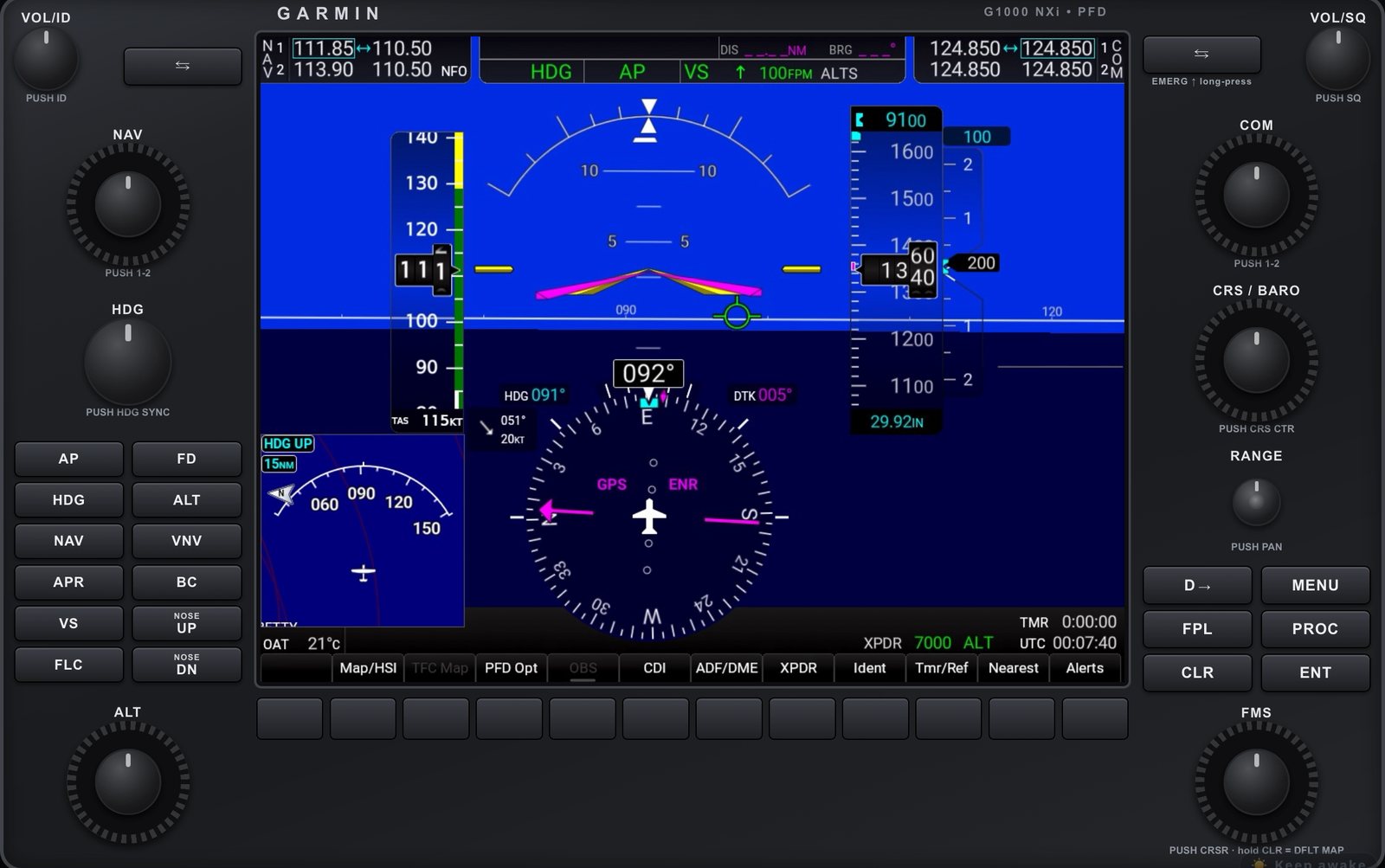
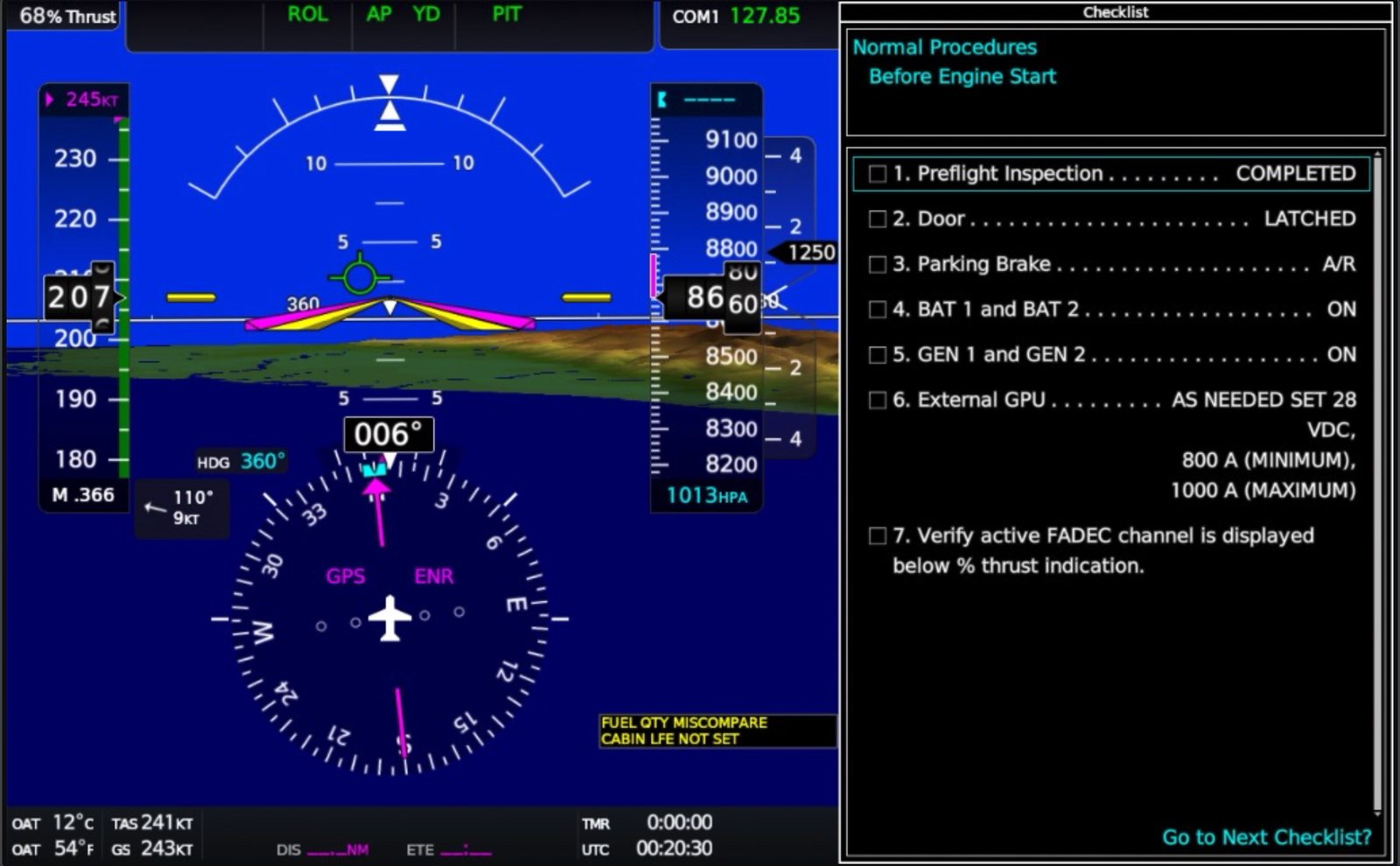
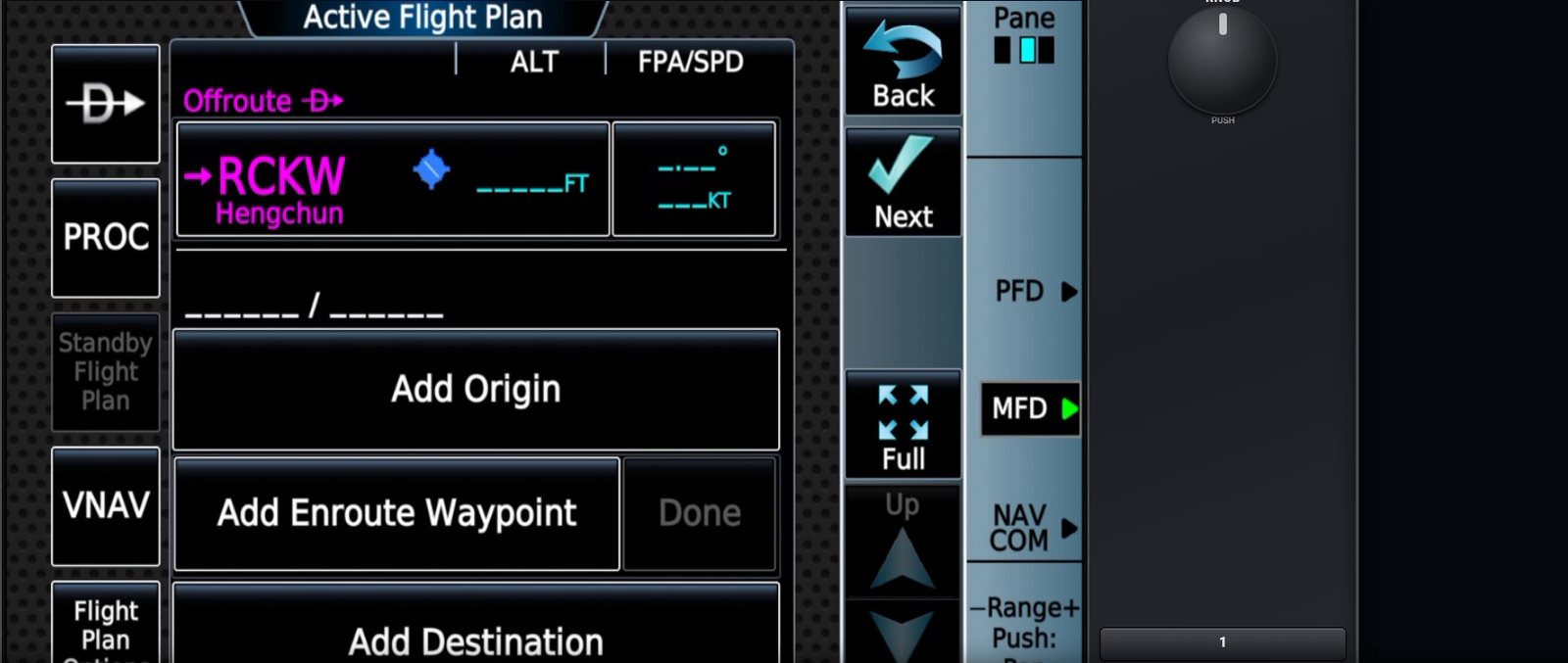
Softkeys and knobs that work
Tap the softkeys under the screen. Circle your finger on a knob to turn it: the outer ring moves the big knob, the centre the small one, and a tap on the centre pushes it. Fast spins move fast; slow turns move one click.
G1000 NXi aircraft tested
Cessna 172, Diamond DA40 NG and DA62, Bonanza G36 and Baron G58 with the G1000 NXi — plus the Cessna 172 with GNS 430/530 and Avidyne IFD.
G3000 and the GTC 580 touch controller
In the Cirrus Vision Jet the Garmin GTC 580 touch controller is on the tablet too, so it works by touch just like in the real aircraft.
Nothing to install on the tablet
Safari, Chrome or any modern browser on the same Wi-Fi as the PC. The program on the PC runs on Windows 10 or 11 next to MSFS 2024.