Max Flight Deck › Boeing 737 MAX on iPad
Max Flight Deck · for Microsoft Flight Simulator 2024
Boeing 737 MAX cockpit screens on your iPad (MSFS 2024)
Max Flight Deck shows the MSFS 2024 Boeing 737 MAX 8 flight deck displays on an iPad or Android tablet — PFD, ND with the engine display, and the CDU — and sends your touches back to the sim.
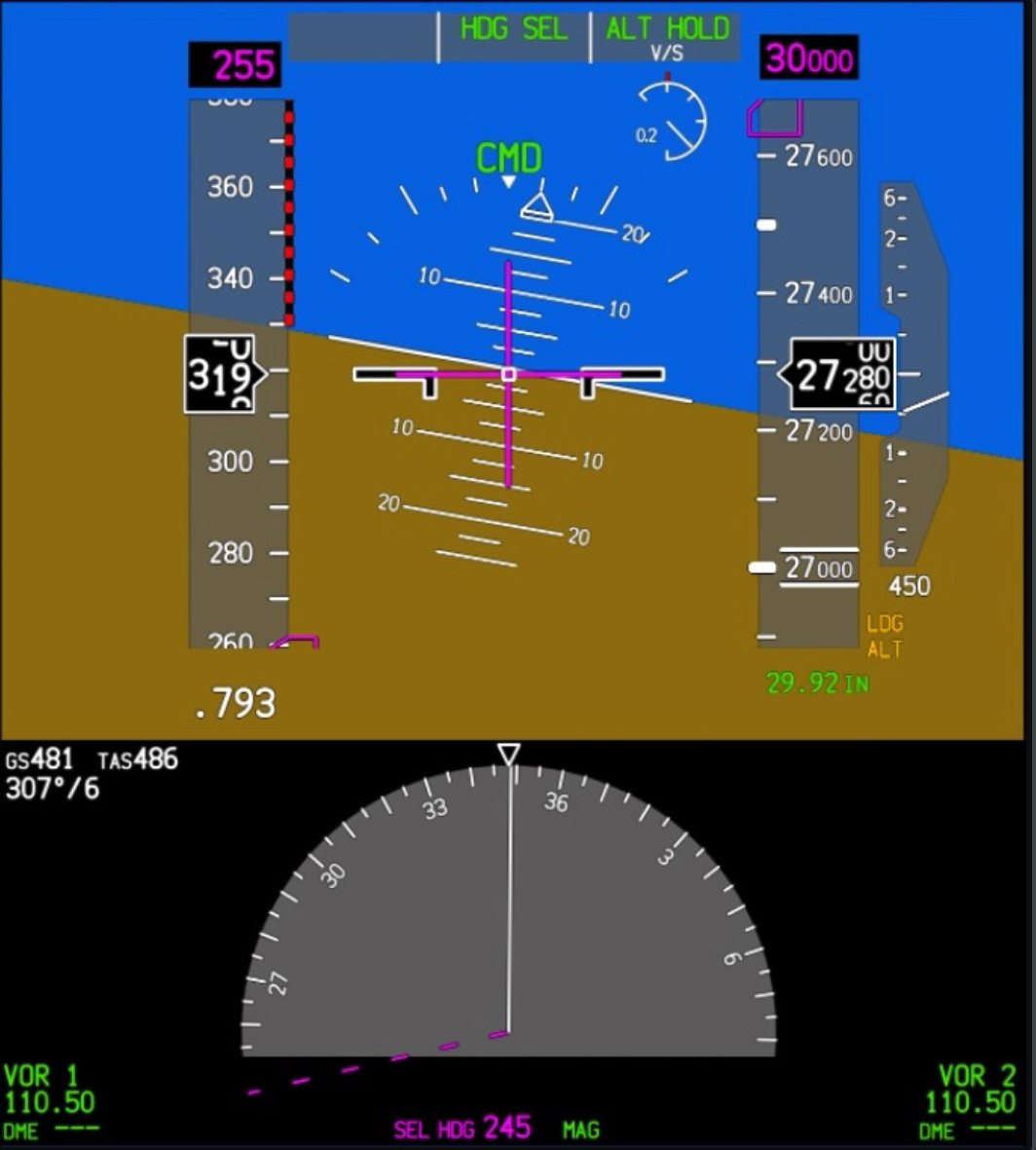
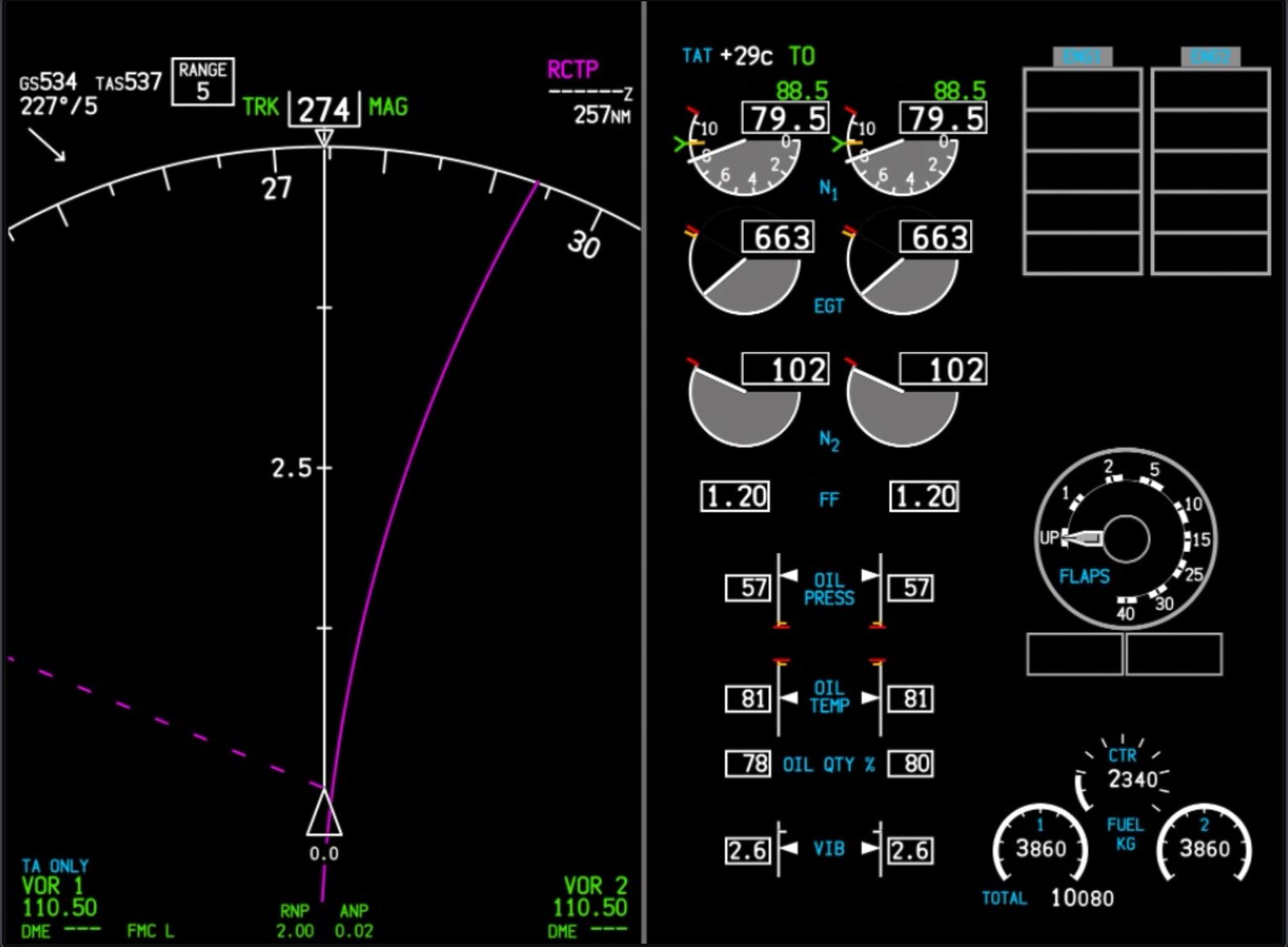
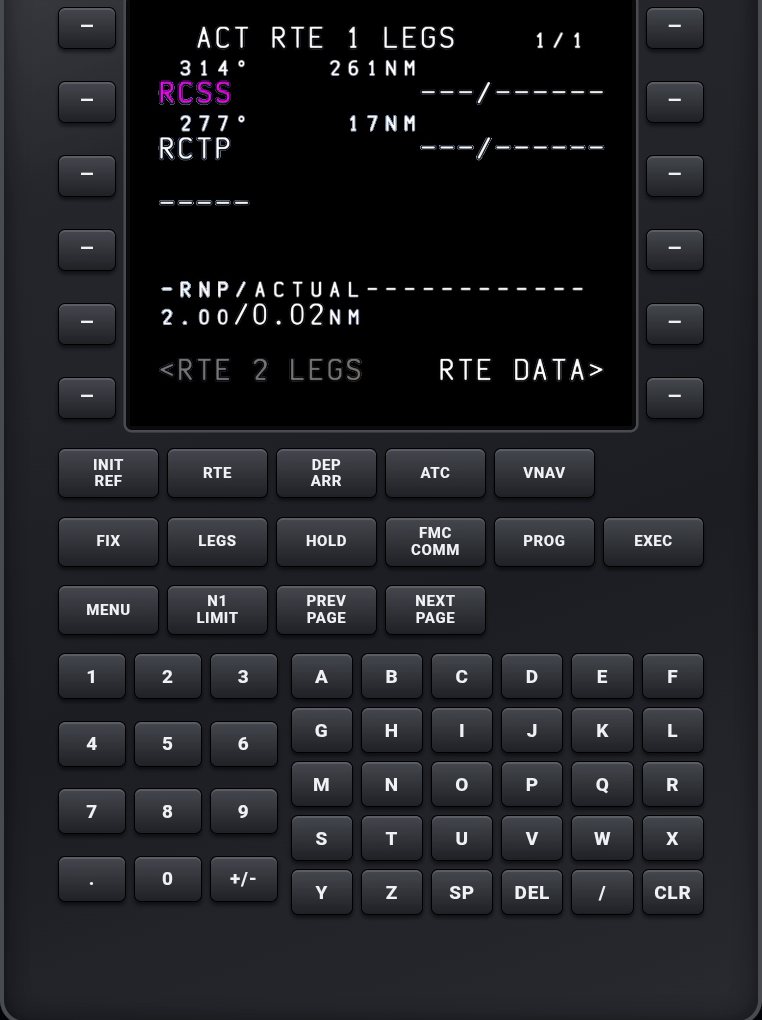
PFD, ND, engines and the CDU
Pop out every 737 MAX screen with one button and pick the one the tablet shows. Press the CDU keys on the tablet instead of clicking in the virtual cockpit.
MCP knobs by touch
Turn the speed, heading, altitude and vertical speed knobs by circling your finger. Version 2.26.3 also fixed the MCP knobs jumping after a pause.
Tested on the default 737 MAX 8
The MSFS 2024 Boeing 737 MAX 8 and 747-8 are tested release by release. Add-on 737s from other developers are not on the tested list yet; they join it once they pass our tests.
Free to try
The free version works with one tablet or browser at a time. Max Flight Deck Pro adds several tablets at once and split screen, for example the PFD beside the ND.