Max Flight Deck › MSFS 2024 iPad avionics
Max Flight Deck · for Microsoft Flight Simulator 2024
MSFS 2024 iPad avionics: the real cockpit screens on your iPad
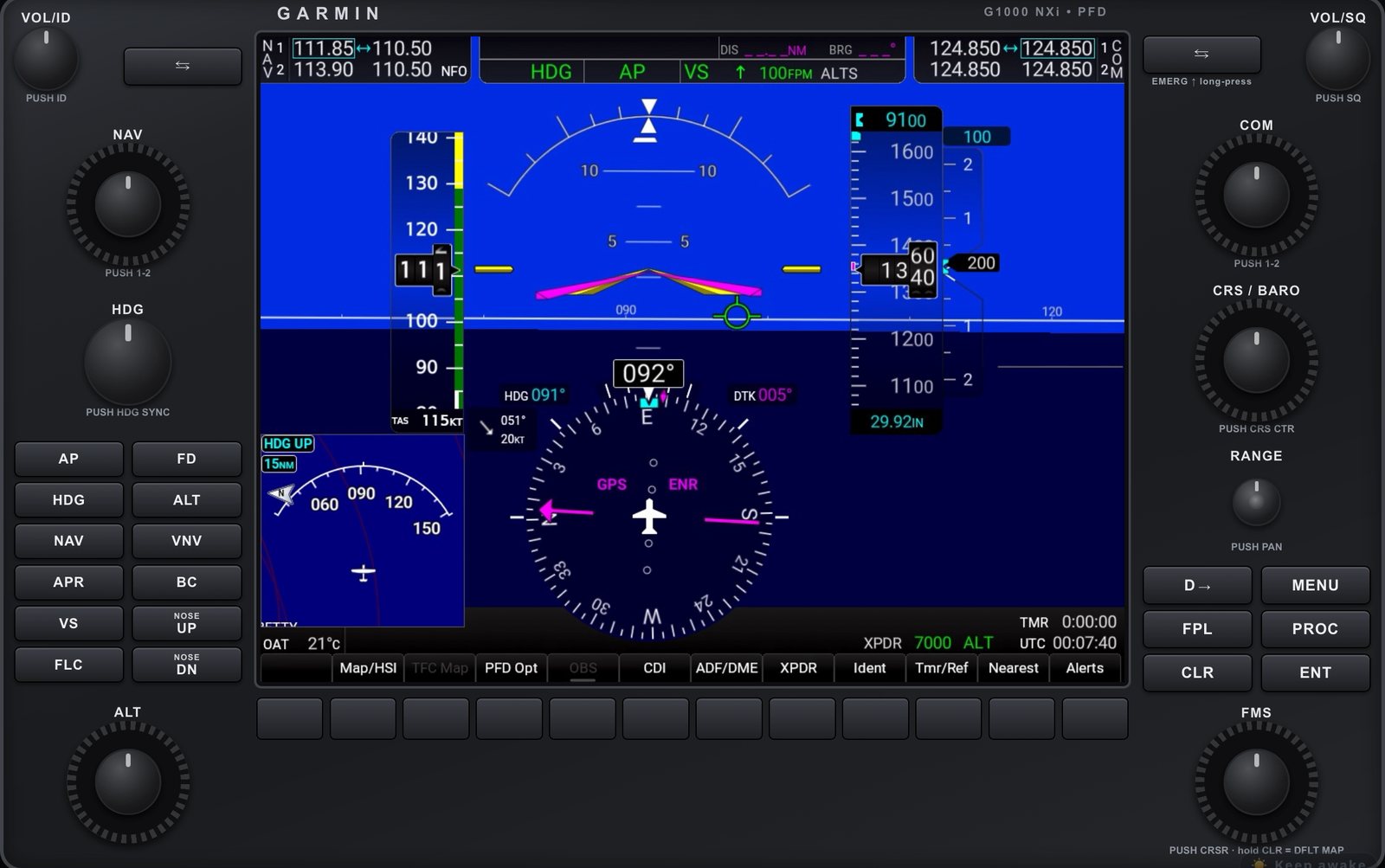
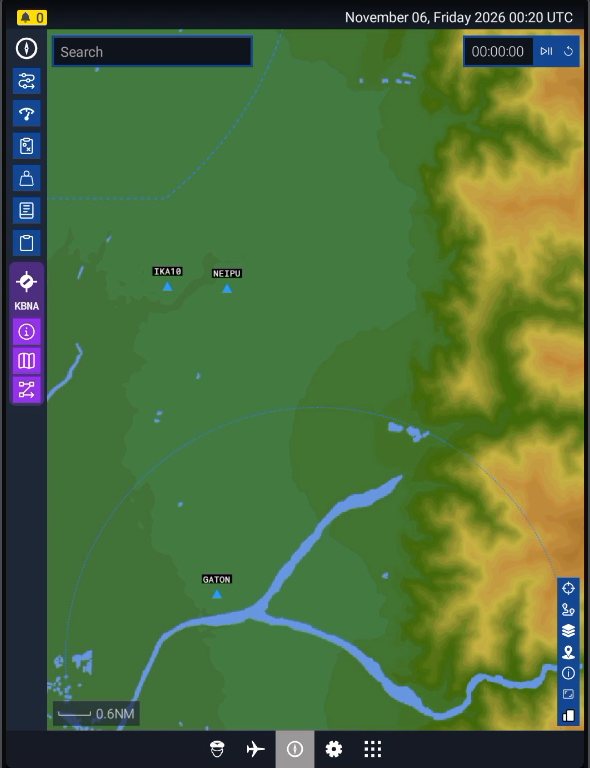
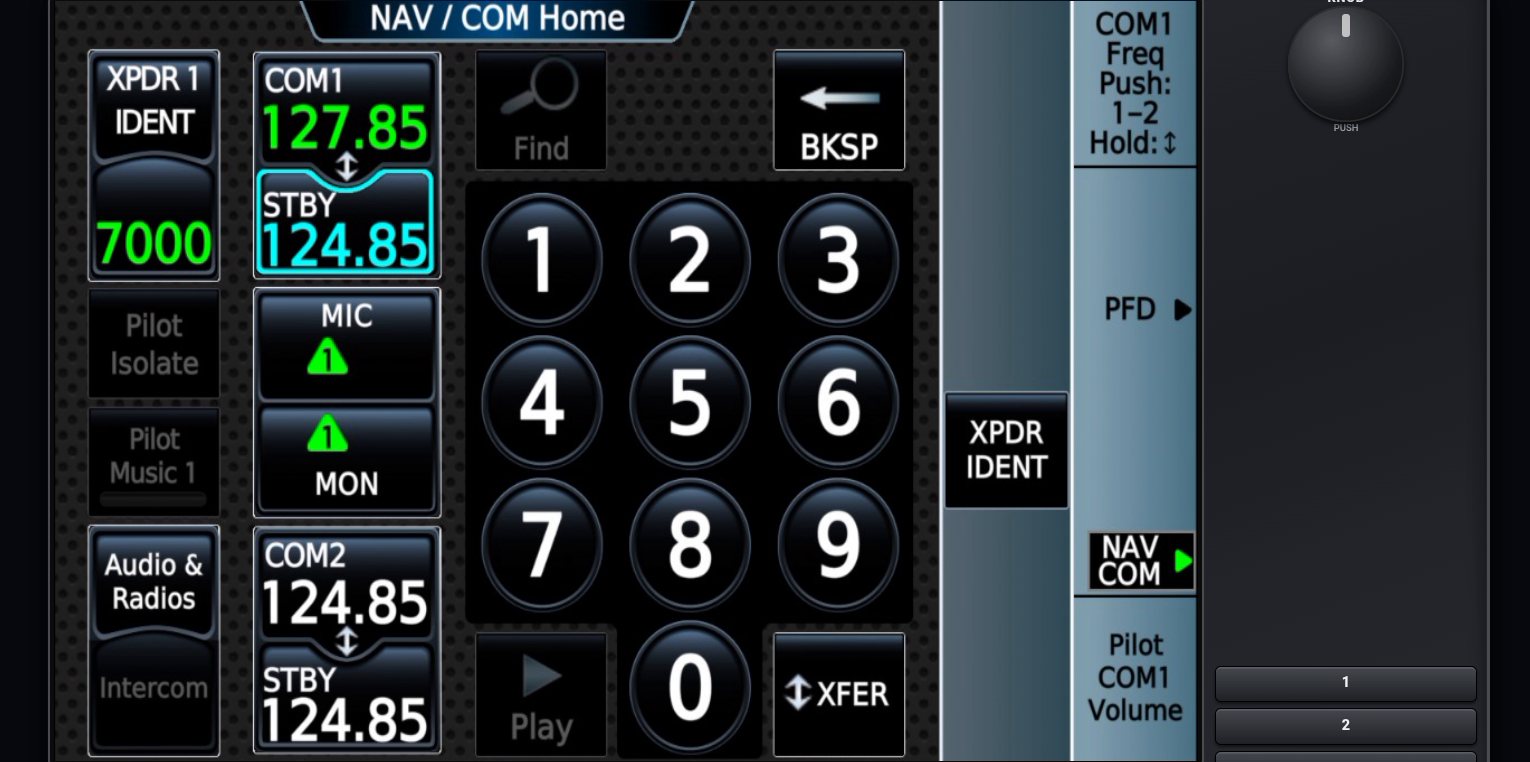
Max Flight Deck turns an iPad into the glass cockpit of the aircraft you are flying in Microsoft Flight Simulator 2024. The iPad shows the screens MSFS itself draws — not a lookalike app — and every tap, knob turn and EFB gesture goes straight back to the sim.
No app to install on the iPad
Open the address the PC program shows in Safari, or scan its QR code. Use Share → Add to Home Screen and it opens full screen like an app. The iPad only talks to your own PC on your home Wi-Fi.
Every screen of the aircraft you fly
One button pops out each cockpit screen of the current aircraft — PFD, MFD, EFB, CDU, Garmin GTC — and sends it to the iPad. Nothing to set up per aircraft: the screens are the aircraft's own, so every page and mode works as in the cockpit.
Knobs, softkeys and the EFB by touch
Circle your finger to turn a knob — outer ring for the big knob, centre for the small one, tap the centre to push. Pan and pinch-zoom the EFB map and type airport codes with the iPad keyboard.
Tested release by release
Screens and touch are tested on a real sim with: Cessna 172 (G1000 NXi, GNS 430/530, Avidyne IFD), Diamond DA40 NG and DA62, Bonanza G36, Baron G58, TBM 930, Pilatus PC-12 NGX, King Air 350, Cirrus Vision Jet, Citation CJ4 and Longitude, Airbus A320neo and A330-300, iniBuilds A310, Boeing 737 MAX 8 and 747-8. Other glass-cockpit aircraft usually work the same way.